14
+
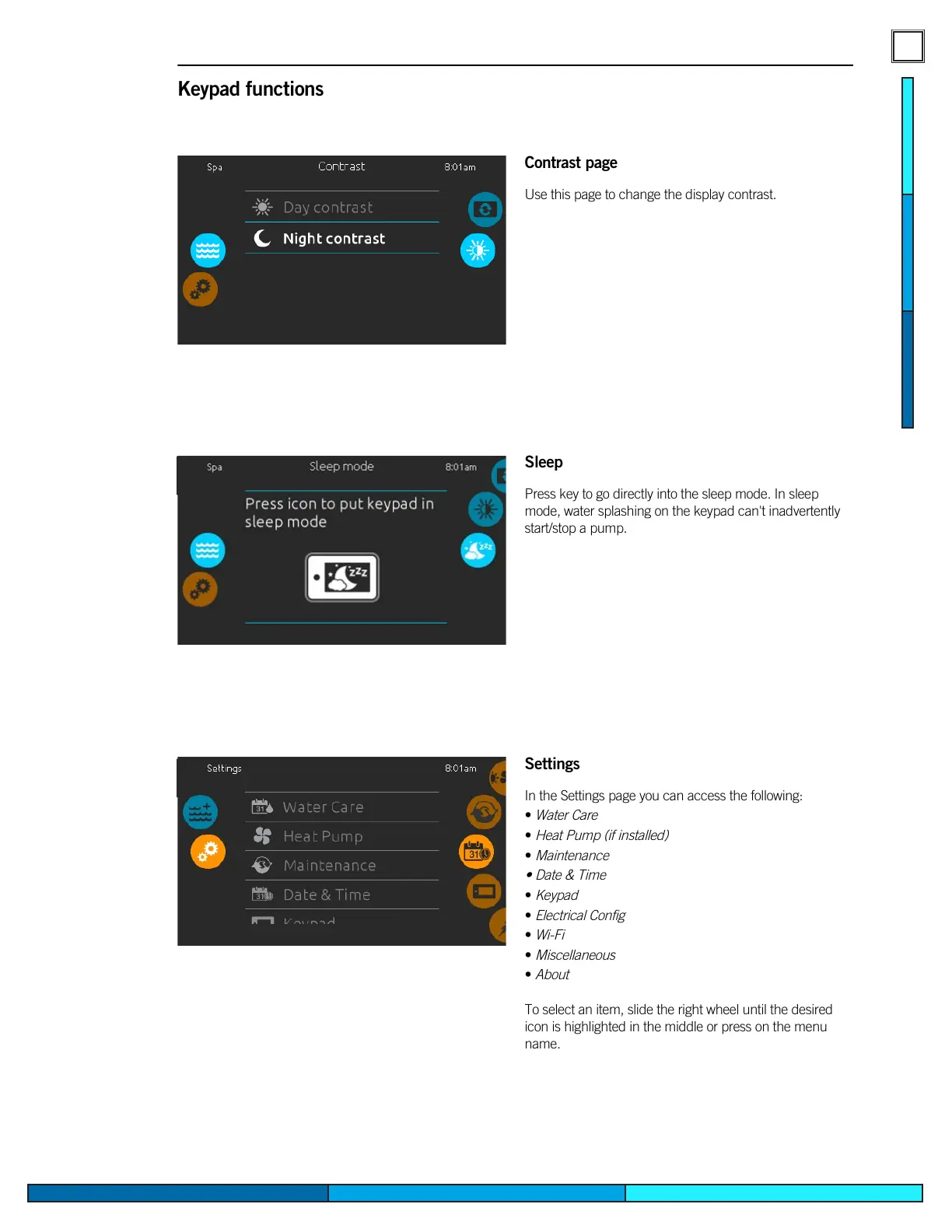
Contrast page
Use this page to change the display contrast�
Settings
In the Settings page you can access the following:
•
Water Care
•
Heat Pump (if installed)
•
Maintenance
• Date & Time
•
Keypad
•
Electrical Config
•
Wi-Fi
•
Miscellaneous
•
About
To select an item, slide the right wheel until the desired
icon is highlighted in the middle or press on the menu
name�
Keypad functions
Sleep
Press key to go directly into the sleep mode� In sleep
mode, water splashing on the keypad can't inadvertently
start/stop a pump�


 To Next Page