1.5 09/2010 © CAME cancelli automatici s.p.a. - The data and information reported in this installation manual are susceptible to change at any time and without obligation on CAME cancelli automatici s.p.a. to notify users.
ENGLISH
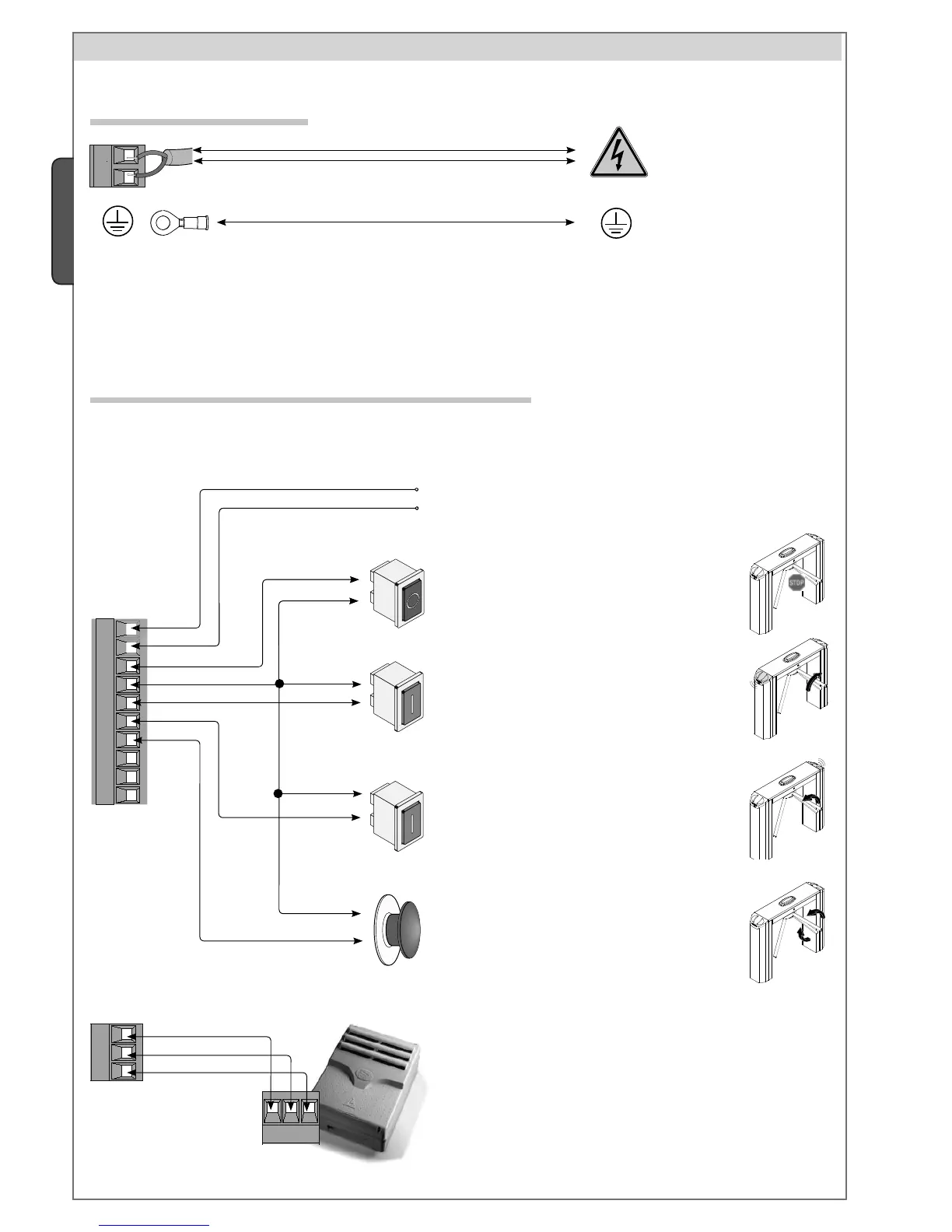
Counter-clockwise activating button / (N.O. contact)
Release the tripod in an anti-clockwise direction. If
no other command is given, the turnstile relocks itself
automatically after the time set in the “F5” function.
Clockwise activating button / (N.O. contact)
Release the tripod in a clockwise direction. If no
other command is given, the turnstile relocks it self
automatically after the time set in the “F5” function.
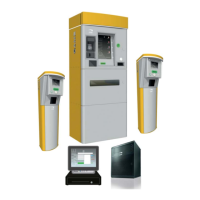
RBM84 - Access control
Software for recording user movements and for managing
personalised permits according to the program given to
each single user.
9 Electrical connections
230 V AC power, 50/60Hz
frequency
Connect the earth to the terminal fi tted on the turnstile.
9.1 Power
9.2 Optional devices
Panic button / (N.C. contact)
Activating the contact triggers total block of the
turnstile. Note: Short circuit if unused!
Emergency button / (N.C. contact)
Pressing the button allows the tripod to turn in both
directions.
Note: Short circuit if unused!
Terminals for powering 24 V AC accessories,
max 250 mA and 35 W


 To Next Page
 Loading...