M52 Microprocessor User's Guide
M52UMCT Oct-03 15
Unit fan On/Off Icon
The unit fan on/off icons show up when the unit fan is running. This icon changes from
continuously on to blinking when the unit is under fan purge shutdown.
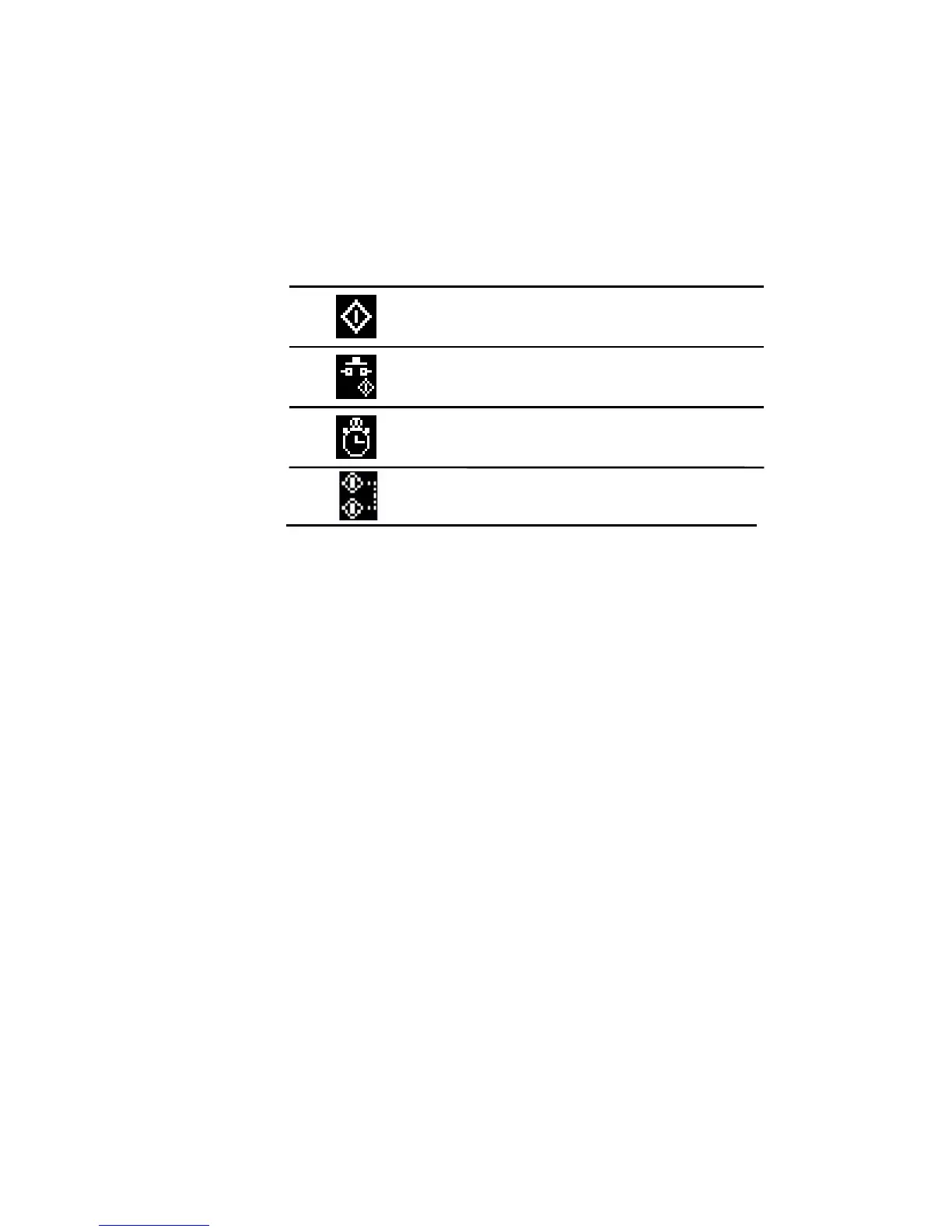
On/Off Mode Icon
The On/Off mode icons keep you aware of the current On/Off mode selection. The On/Off
mode selection can be set in the “On/Off mode” setting under the {Setting} tab.
Local on/off control via control panel
Remote on/off control via switch input
Programmed timer schedule auto on/off
Standby start back-up start mode



 To Next Page