M52 Microprocessor User's Guide
M52UMCT Oct-03 21
Acknowledging Alarm
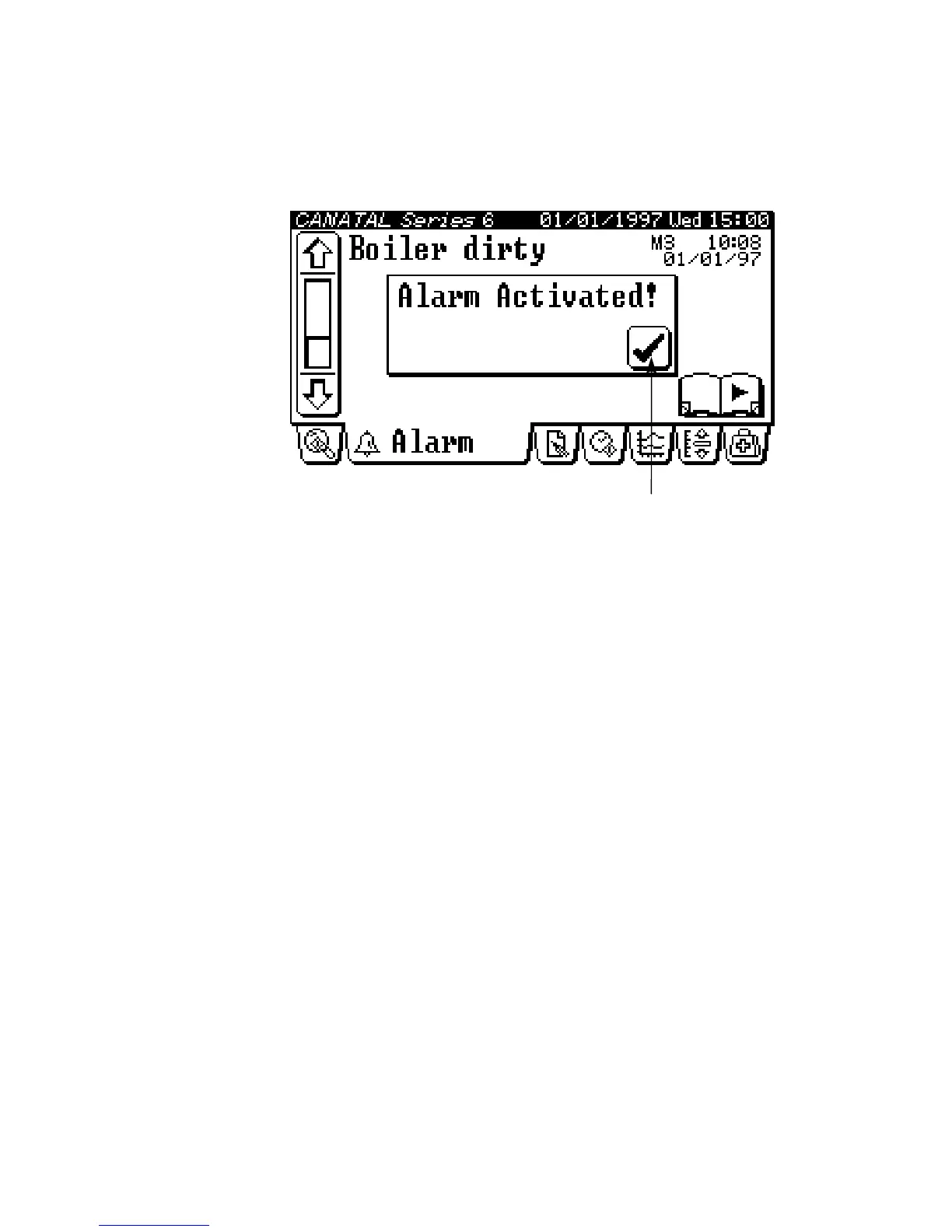
In case of an alarm condition occurrence and provided the alarm is enabled and configured
for audible warning, (See Alarm Configuration), a pop-up message will display on the screen
like the following:
cknowledge alarm key
You are requested to press the alarm activated “tick” or “check” mark, [Alarm acknowledge]
alarm key in order to mute the audible warning and de-activate the common alarm output.
The alarm will not return again. Therefore it is imperative that you respond with the
appropriate action to the alarm. See the Fault Finding section.
Clear Alarm Message
Alarm message in the active alarm queue can only be cleared if both the following two
conditions are satisfied:
• The alarm condition has been rectified, which restores the safety switch to its normal
position and
• The message is confirmed to be cleared by pressing the [Alarm message clear] key.
Note: The [PC board Co-Work Address] identifies which PC board the alarm was registered by.



 To Next Page