M52 Microprocessor User's Guide
M52UMCT Oct-03 28
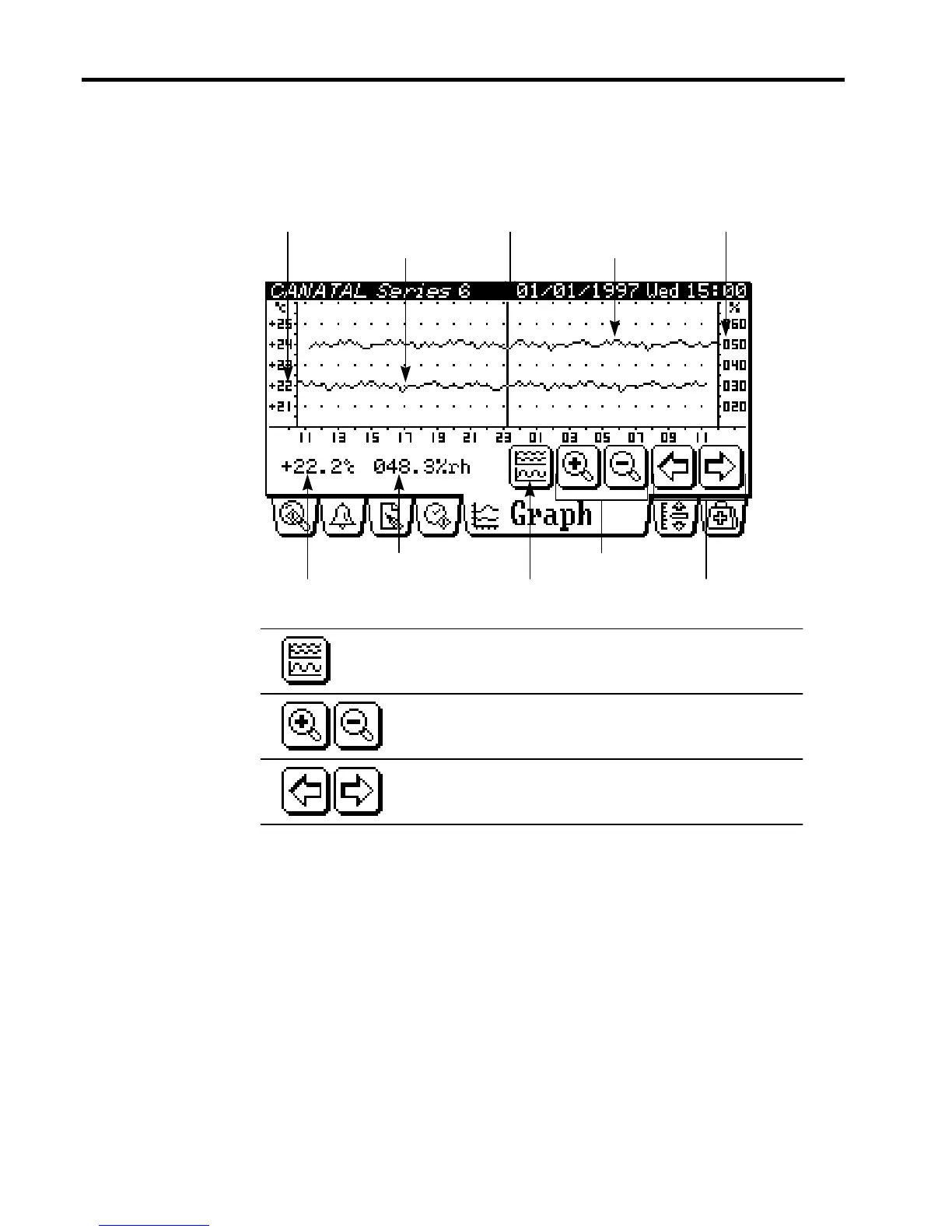
Temperature and Humidity Log Graph
The historical temperature and humidity variation can be reviewed under the Graph tab. The
log graph stores the latest 24-hour main temperature and humidity data. Data are logged in 15
minutes interval.
Curve display switching keyGuide temperature
Guide humidity
Guide movement keys
Zoom in / out keys
Temperature curve
Temperature axis Humidity axis
Humidity curve
Guide
Switch curve display - to cycle temperature only,
humidity only or both curves display.
Zoom in & Zoom out - to enlarge or reduce the scale
of the curve display.
Guide movement - to move the guide along the time
axis.



 To Next Page