M52 Microprocessor User's Guide
M52UMCT Oct-03 18
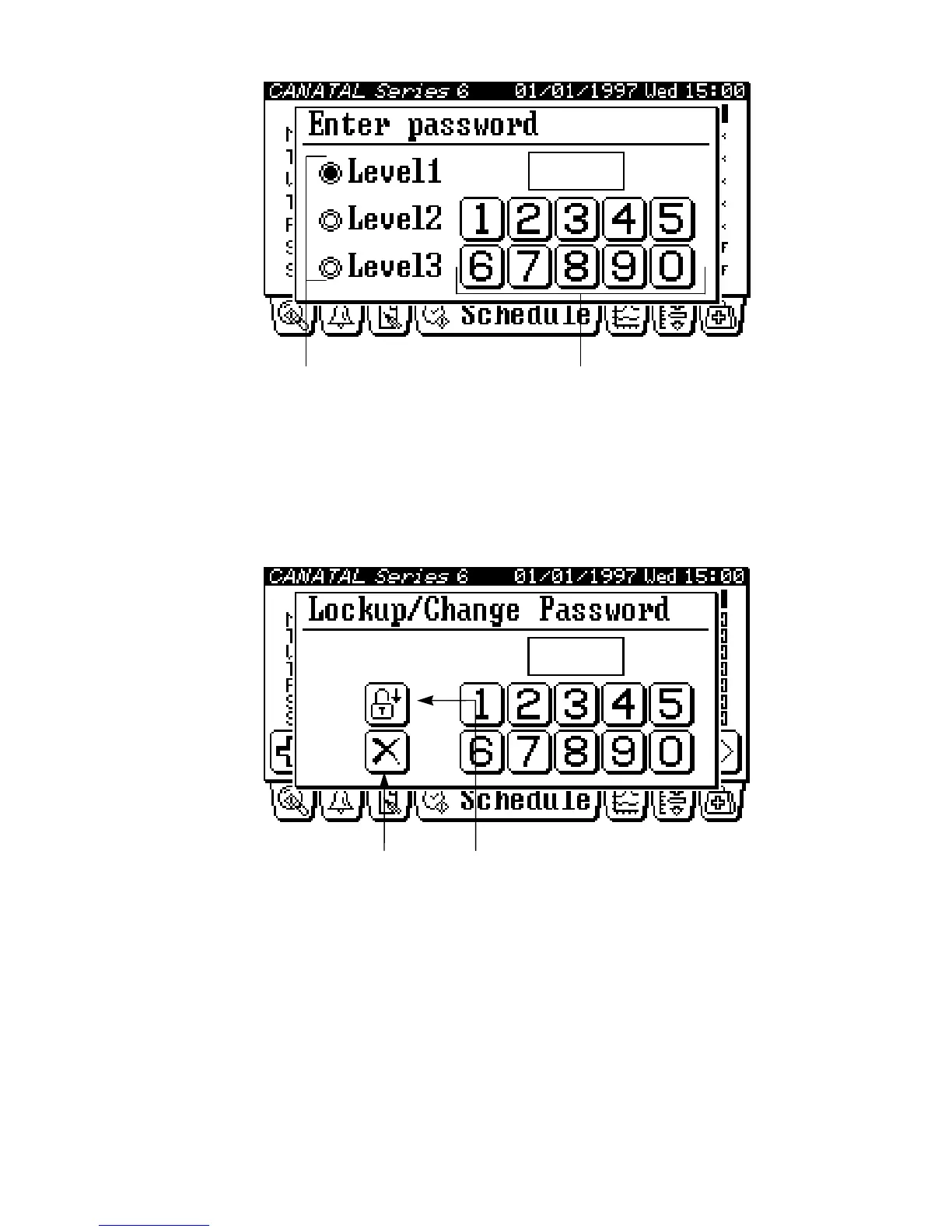
Password enter keysSecurity level selector
Log-out Security
Exiting the security can be achieved by pressing the Log-out key in the log-out / change
password screen.
Cancel key Log-out key
The system will also automatically re-lock security approximately 1 minutes after the last key
is released.
Change Password
After logging-in to security, you can press the active tab again to invoke the log-out / change
password screen. You have to key in the new password twice to confirm the change.



 To Next Page