2.2.34 TURNING THE UNIT ON
Press and hold POWER ON/OFF switch for two seconds to turn unit ON.
The display indicates "PLEASE WAIT" and then conducts a automatic test. On
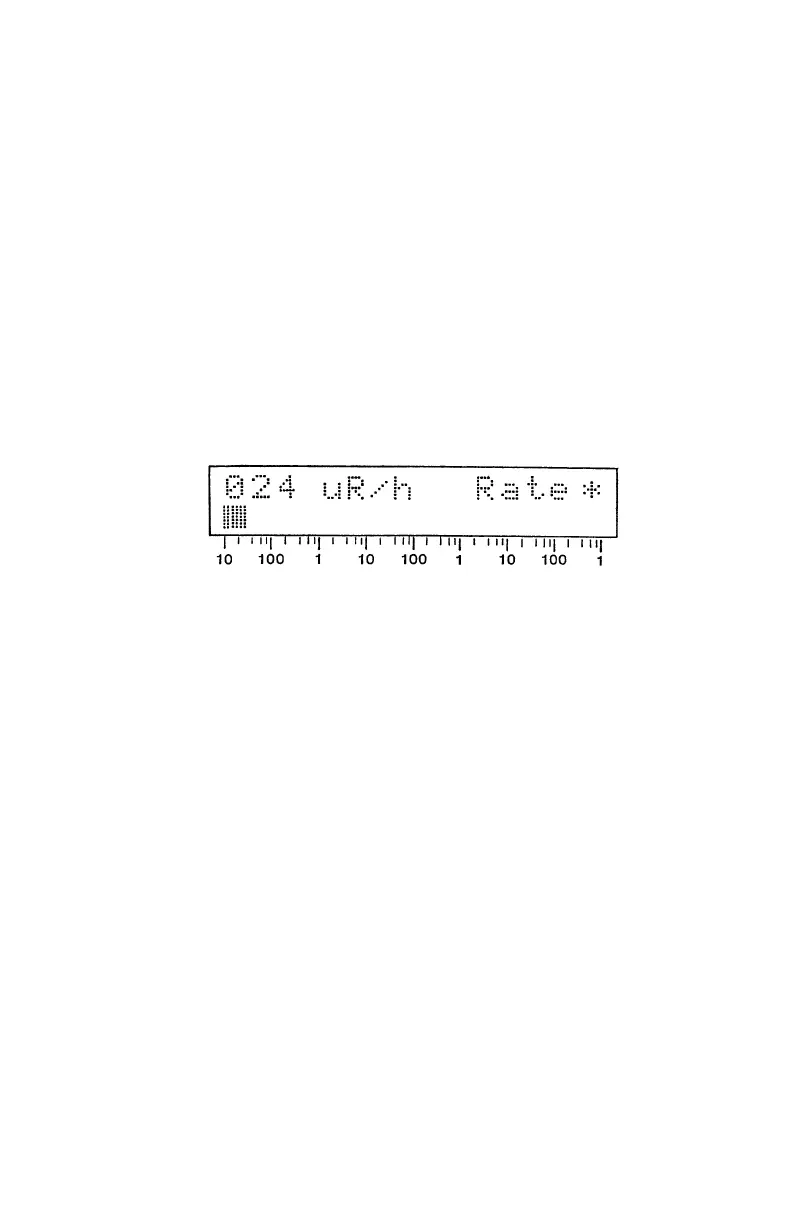
successful completion of the self-test, the "RATE" display will appear and ambient
gamma dose rates will be indicated. The ADM-300 updates the display every two
seconds.
Note: A "Backup RAM Error" message will be indicated if the ADM300 has been
stored with the batteries removed. The default alarm values will be installed. The
accumulated DOSE is unaffected.
Sample Rate Display
See section 2.1.1, Equipment Control and Indicators, for display explanation.
Note: The bar scale is displayed for eight decades only. The bar scale is useful only
in the observation of quick trends of radiation intensity and is not suited for accurate
readings. The digital scale should be used for accurate readings.
22



 To Next Page