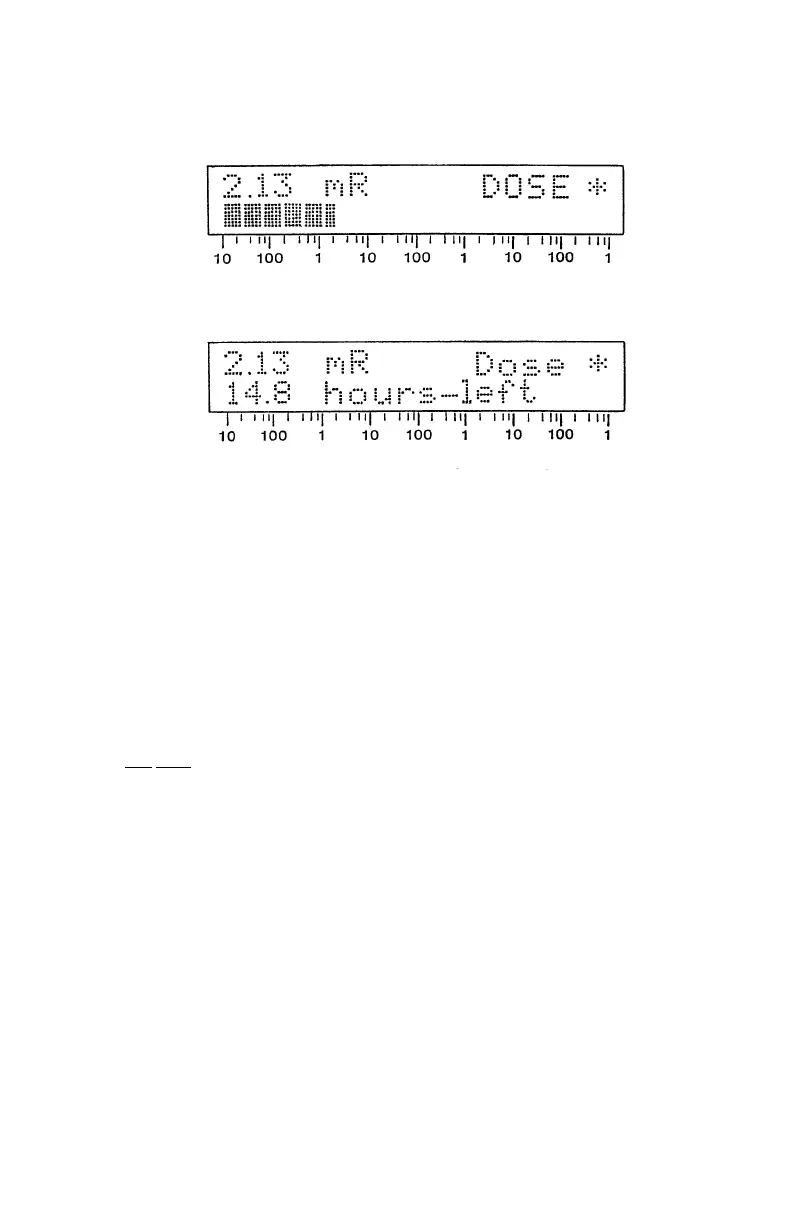
Sample Accumulated Dose Displays
Example: 10.0 mR Dose Alarm Set point in a 530uR/h Field
2.2.3.7 DISPLAY ALARM SET POINTS
To see the current Alarm Set Points, press and release the MODE switch until
"RaAlm" (Rate Alarm) or "DoAlm" (Dose Alarm) is displayed. For RaAlm, the
displayed Rate Alarm point reading will flash several times and then the display will
return to Rate display. For DoAlm, the flashing Dose Alarm setting will also change
to the Rate display.
When the batteries are removed for more than a few minutes, the rate and dose
alarm set points revert to the default (factory) settings. The default rate alarm point
is 600
uR/h and the default dose alarm point is 100 mR.
Turning the survey meter OFF and ON will not affect the current alarm point
settings. With the batteries installed, the unit's memory will retain the last set values,
even with the power OFF.
If the batteries are removed for more than several minutes, a battery backed RAM
error will be displayed and the default alarm settings will be reinstalled.
Note: Accumulated dose will not be lost when batteries are removed.
2.2.38 ADJUST ALARM SET POINTS
To change the alarm set points, select the desired RaAlrn (Rate Alarm) or DoAlm
(Dose Alarm) display.
24



 To Next Page