Starting the MID Editor
Lynx DSA User's Manual - 9240227J 31
The Unload Process
To unload a Database, click on the Database menu’s Unload from command, which
will bring up a dialog box. If several choices are listed, there are multiple definitions
in the database.
Click on the one you want to unload, then click on the Unload button. Note that this
menu item is disabled if the MCA Runtime Configuration Database is currently being
used by another application.
Starting the MID Editor
You will use the MID Editor to work with at least one definition file for your device.
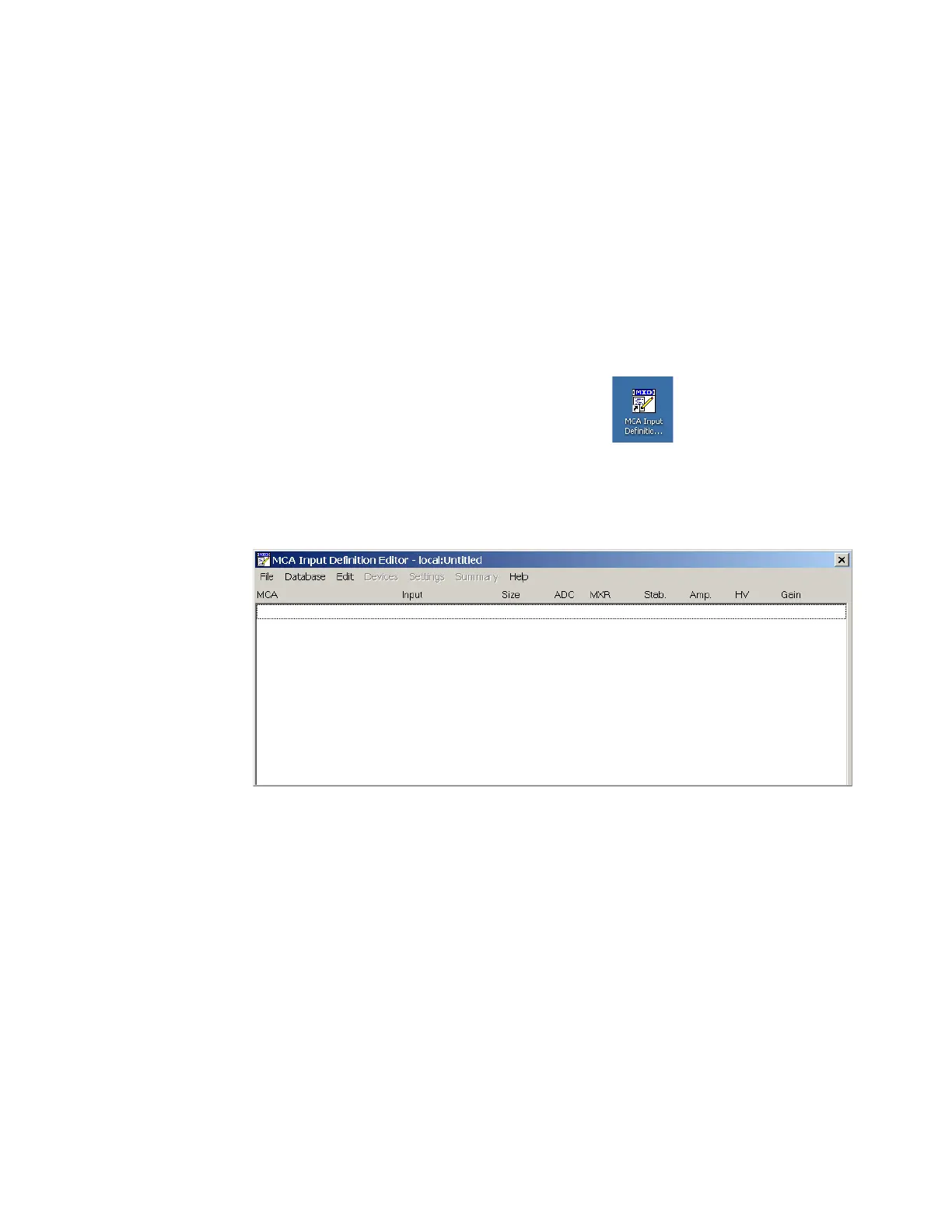
Start the MID Editor by double clicking on its icon ( ) in the Genie 2000
Program Group (or by selecting the desktop icon, if provided) or from the Start menu
select Programs | GENIE-2000 | MCA Input Definition Editor.
The result will be the application window shown below.
Figure 7: The MID Editor Window
To use the MID Editor, you build the MCA Definition list and you may then add to
or delete the desired MID files from the list.
Note: The phrase “local:Untitled” in the title bar, means that the MID Editor is
connected to the local VDM and that no file is currently open; this is the
default condition in a non-networked environment.



 To Next Page