Lynx Setup for Administrators and Users
Lynx DSA User's Manual - 9240227J 69
Login
By default, the Login feature on a new Lynx DSA is disabled. If Login had been
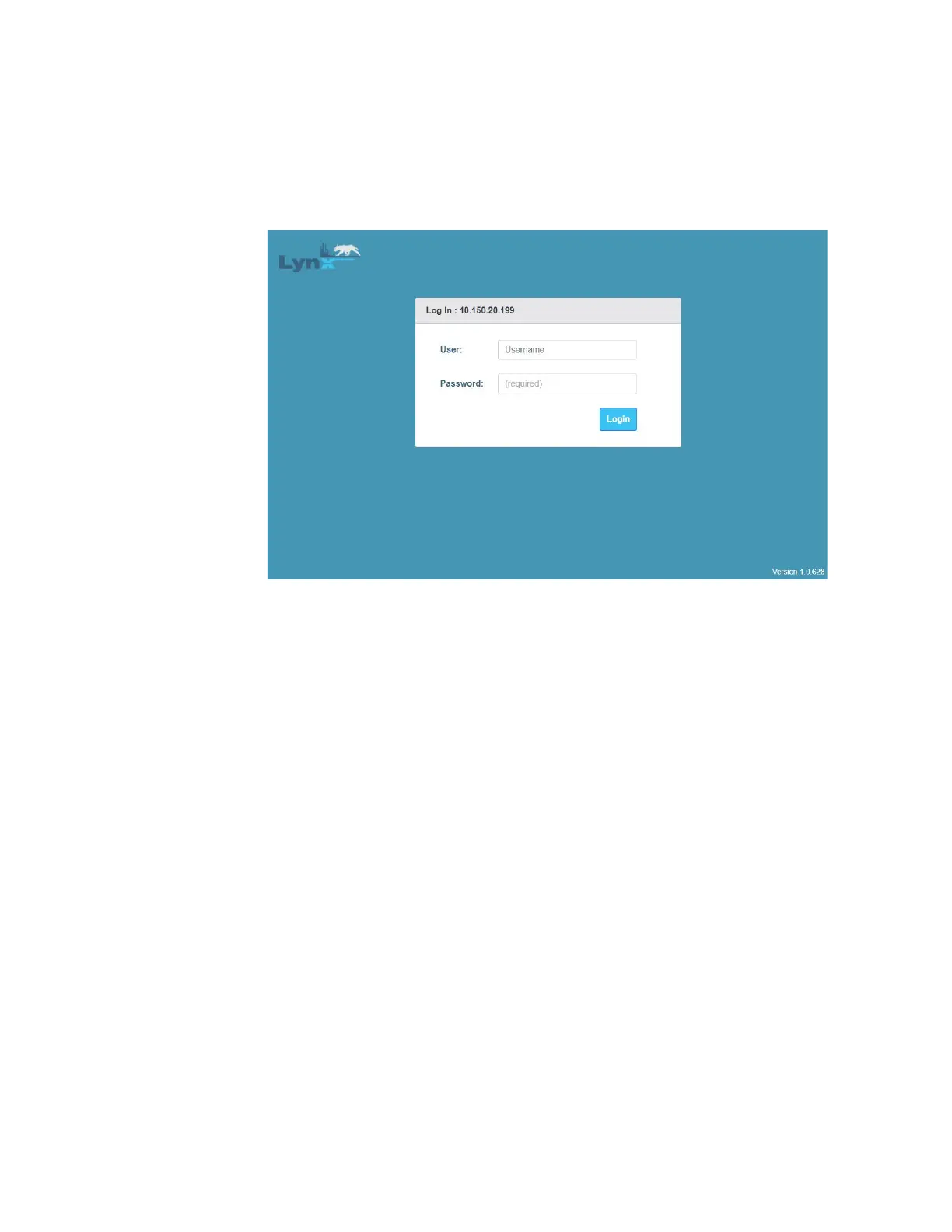
enabled, then the default Lynx Web Client’s Login page similar to the one shown
below would be displayed.
Figure 37: Lynx Web Client Login Page
If the Login page is presented, the credentials that must be entered are (neither are
case sensitive):
• Name: Administrator. This value is fixed.
• Password: The pre-established password string.
The factory-default value is password.
An introduction to the Lynx Client Interface can be found in Introduction to the Lynx
Web Client Interface on page 10.



 To Next Page