Preferences Options
Lynx DSA User's Manual - 9240227J 87
Colors
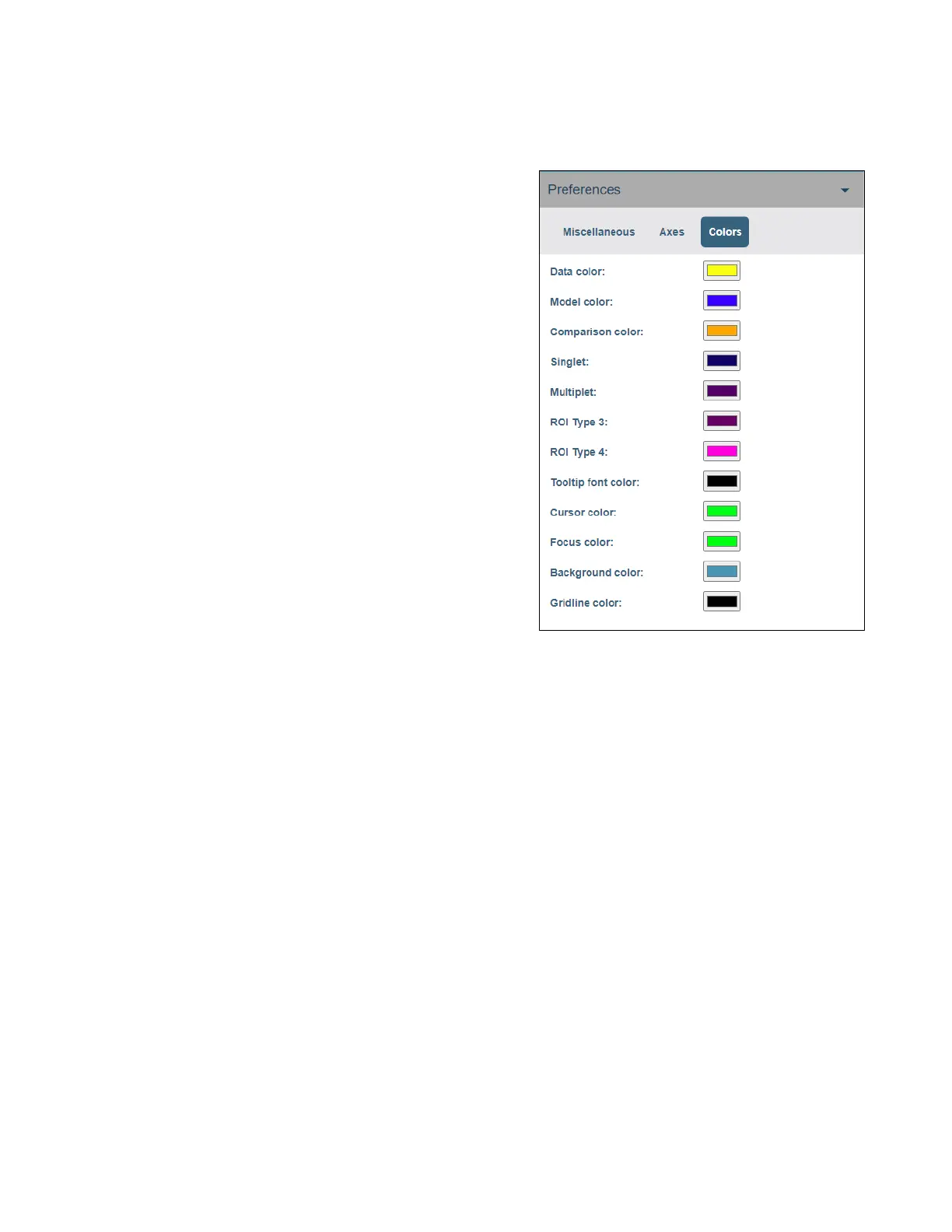
The Colors tab contains options for changing various colors.
• Data Color sets the color of graphical
data points.
• Comparison Color sets the color of
the DLFC acquisition.
• Model Color sets the color of the
continuum model in the spectral plot.
• Singlet sets the color of a “Singlet”
ROI type.
• Multiplet sets the color of a
“Multiplet” ROI type.
• ROI Type 3 sets the color of a type 3
ROI.
• ROI Type 4 sets the color of a type 4
ROI.
Figure 46: Colors Preferences Settings
• Tooltip font color sets the color of the tooltip text.
• Cursor Color sets the color of the plot cursor.
• Focus Color sets the color for the plot cursor when the expand box obtains focus..
• Background Color sets the background color of the graph.
• Gridline Color sets the color of the gridlines.



 To Next Page