Chapter 4 System Setup
64 Lynx DSA User's Manual - 9240227J
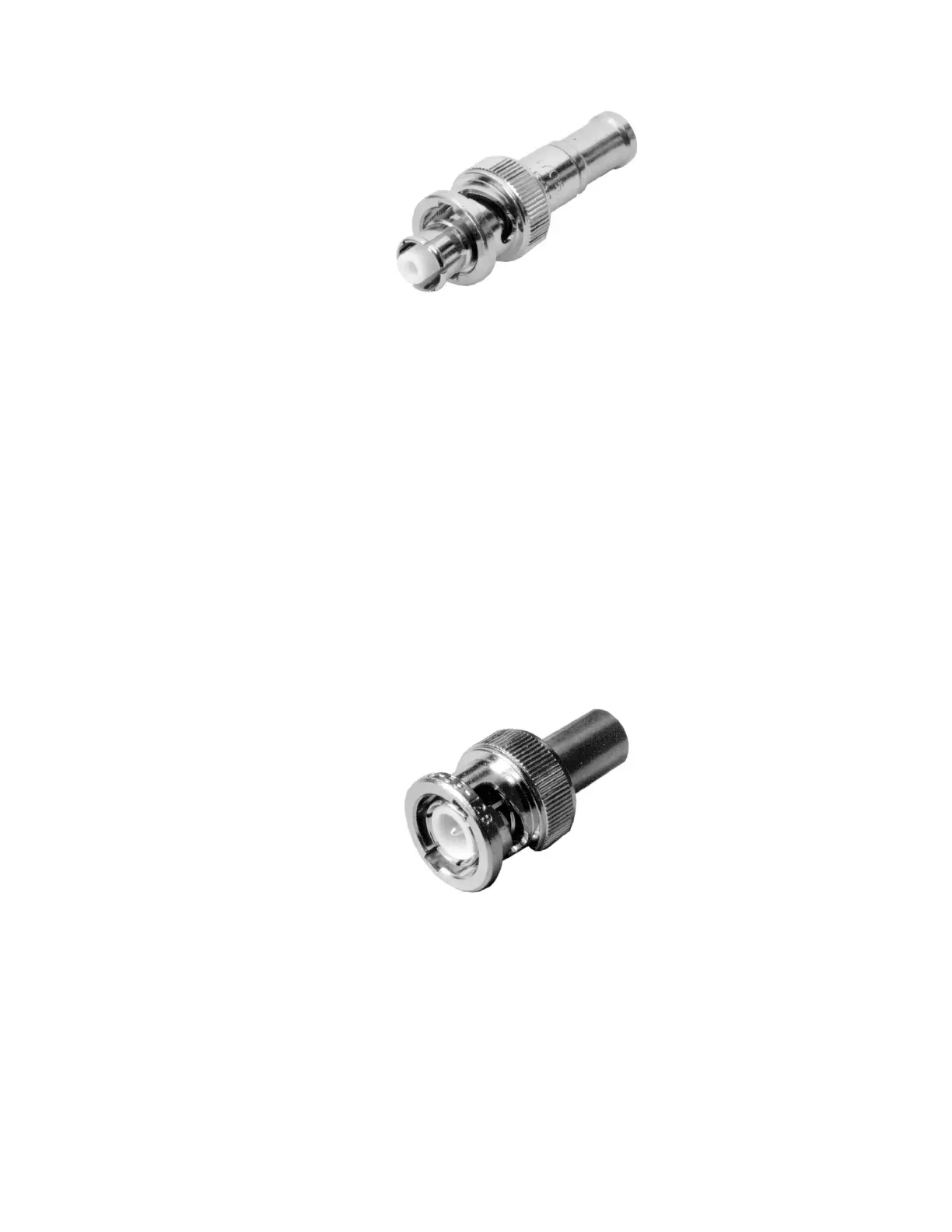
Figure 34: SHV Connector (cable end)
BNC Connections
Several BNC connections are often required. A typical BNC cable end is shown
below.
1. Connect a BNC cable between the preamplifier's ENERGY connector and
the Lynx's ENERGY connector.
2. Connect a BNC cable between the preamplifier's HV INH connector and the
Lynx's HV INH connector.
3. For a system using CANBERRA's Model 2101 Transistor Reset
Preamplifier, connect a BNC cable between the 2101's INHIBIT connector
and the Lynx's TRP INH connector.
Note: Take care to not connect the cable in Step 3 to the Model 2101's HV
INHIBIT connector; that connector has a different purpose.
Figure 35: BNC Connector (cable end)
Communicating with Lynx
Although Lynx can be operated via Genie 2000, Apex, or ProSpect, or custom
applications installed on the host computer, The Lynx also includes a very powerful
user interface that can be accessed from practically any web browser already on your
PC, tablet, or other device.



 To Next Page