1
2
3
4
5
9
10
11
12
13
14
15
16
17
8
22
23
24
25
19
20
21
18
7
6
SELF
CLEAN
1
2
3
4
5
67
8
1
3
2
2
EN
English
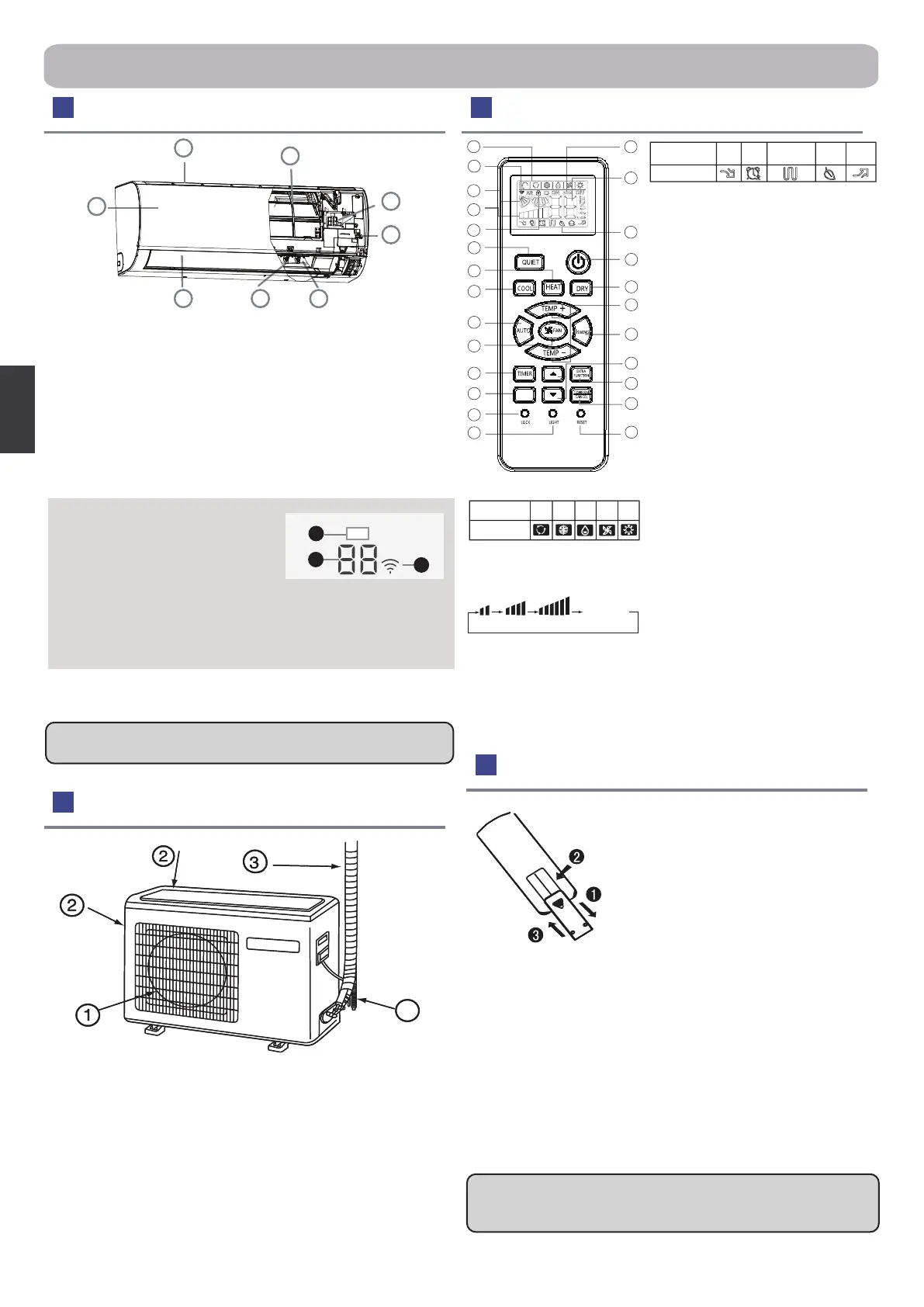
1.Mode display
2.Signal sending display
3.SWING display
4.FAN SPEED display
5.LOCK display
6.TIMER OFF display
TIMER ON display
7.TEMP display
8.Additional functions
display
9. QUIET button
10. HEAT button
11. COOL button
12. AUTO button
13. FAN SPEED button
14. TIMER button
15. SELF CLEAN button
16. LOCK button
Used to lock buttons and LCD display
17. LIGHT button
Control the lightening and
extinguishing of the indoor LED
display board.
18. POWER ON/OFF button
19. DRY button
20. TEMP button
21. SWING button
22. HOUR button
23. EXTRA FUNCTION button
Function: Sleeping--->Health--->
Healthy airow position1--->Healthy
airow position 2 --->Turbo --->Air
sending--->A-B yard
24.CANCEL/CONFIRM button
Function: Setting and cancel to the
timer and other additional functions
25. RESET button
When the remote controller appears
abnormal, use a sharp pointed article
to press this button to reset the
remote.
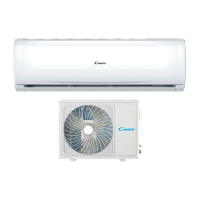
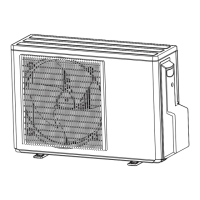
Outdoor Unit
Loading of the battery
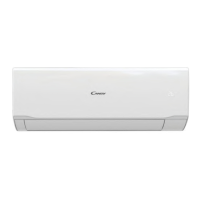
Indoor Unit Remote controller
Please be subject to the actual produce purchased the above
picture is just from your reference.
Note
●
The distance between the signal transmission head and the
receiver hole should be within 7m without any obstacle as well.
●
When electronic-started type uorescent lamp or change- over
type uorescent lamp or wireless telephone is installed in the room,
the receiver can to be disturbed in receiving the signals,so, the
distance to the indoor unit should be shorter.
●
Full display or unclear display during operation indicates the
batteries have been used up. Please change batteries.
●
If the remote controller can't run normally during operation, please
remove the batteries and reload several minutes later.
1.Remove the battery cover
2.Load the batteries as illustrated. 2 R-03
batteries, resetting key(cylinder);
3.Be sure that the loading is in line with the
" + "/"-"
4.Load the battery, then put on the cover
back again.
Actual inlet grille may vary from the one shown in the manual
according to the product purchased
Hint
:
Remove the batteries in case won't be in use for a long
period. If there is any display after taking-out, just press reset
key.
4
1.Inlet
2.Air Purifying Filter(inside)
3.Display board
4.Emergency Switch
5.Outlet
6.Vertical blade (adjust left and
right air ow)
7.Horizontal ap (adjust up and
down air ow. Don't adjust it
manually)
8.Inlet grille
Parts and Functions
Display board
1.Signal receiver
2.Setting temp.display
3.Wi-Fi
1.
OUTLET
2.
INLET
3.
CONNECTING PIPING AND ELECTRICAL WIRING
4.
DRAIN HOSE
QUIET
SLEEP HEALTH TURBO
Supplemented
electrical
heating
Operation mode
Remote
controller
AUTO COOL DRY FAN HEAT
Operation mode
Remote
controller
AUTOLO MED HI
Display
circulated


 To Next Page
 Loading...