Canon 40D Digital Camera Overview Manual
July 10, 2008 © 2008 Consumer Programs Incorporated Page 17
PROPRIETARY & CONFIDENTIAL
The Live-View and Post-View Monitors
Two monitors are used while photographing in a Wal-Mart Portrait Studio.
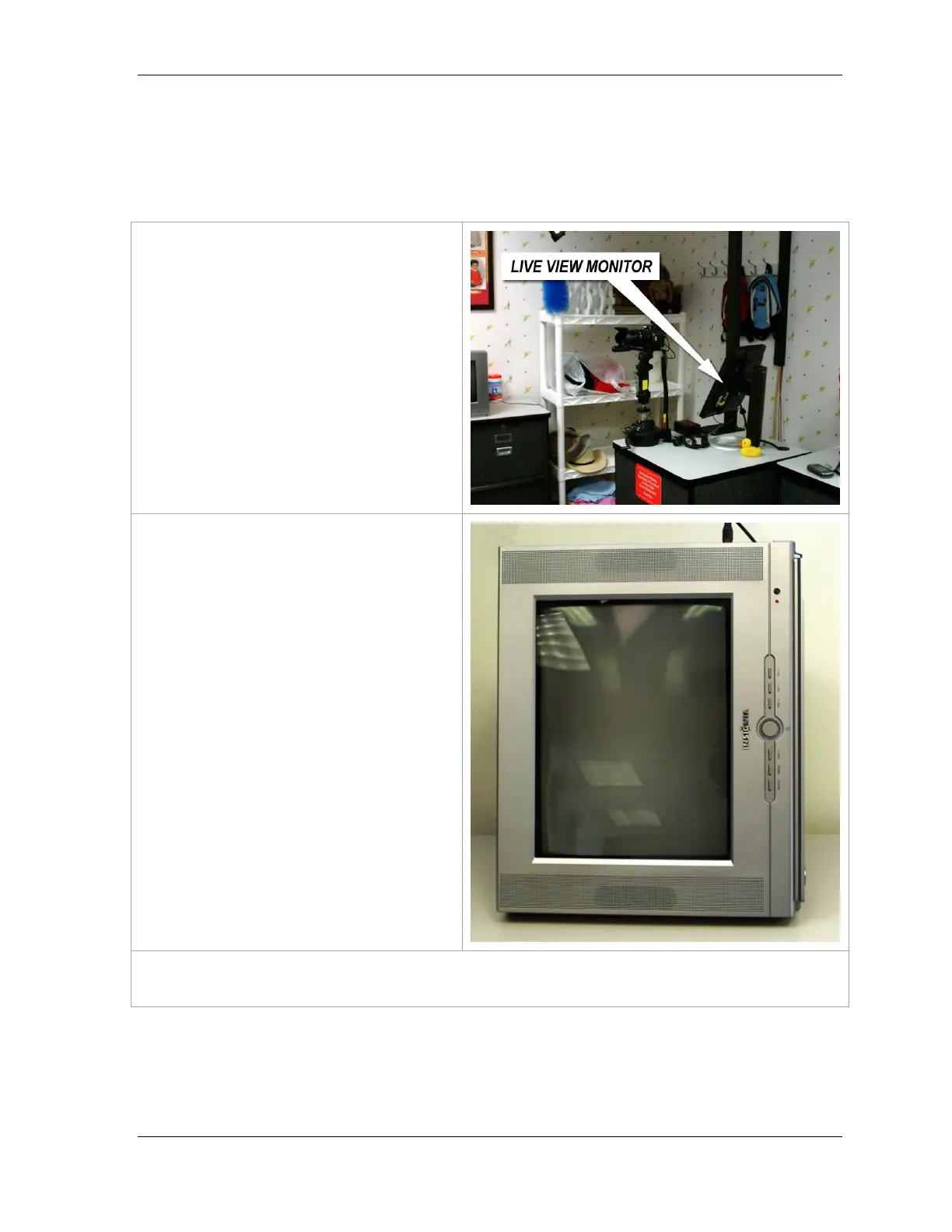
The Live-View Monitor
This monitor is located on the cabinet near
the camera.
This monitor displays a live camera view of
what the camera sees. It is used to frame
the subject before a portrait is taken.
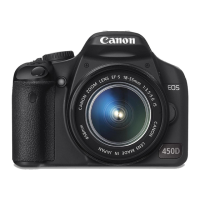
The Post-View Monitor
After a portrait is taken, the image will
display on this monitor.
The portrait will display on the screen for
eight seconds.
NOTE: When an image is not displayed on
the screen for review, the screen of this
monitor should be blank.
NOTE: The Post-View monitor also displays camera menus and camera setting screens used during
troubleshooting procedures performed with the assistance of a Technical Support Technician.












 To Next Page