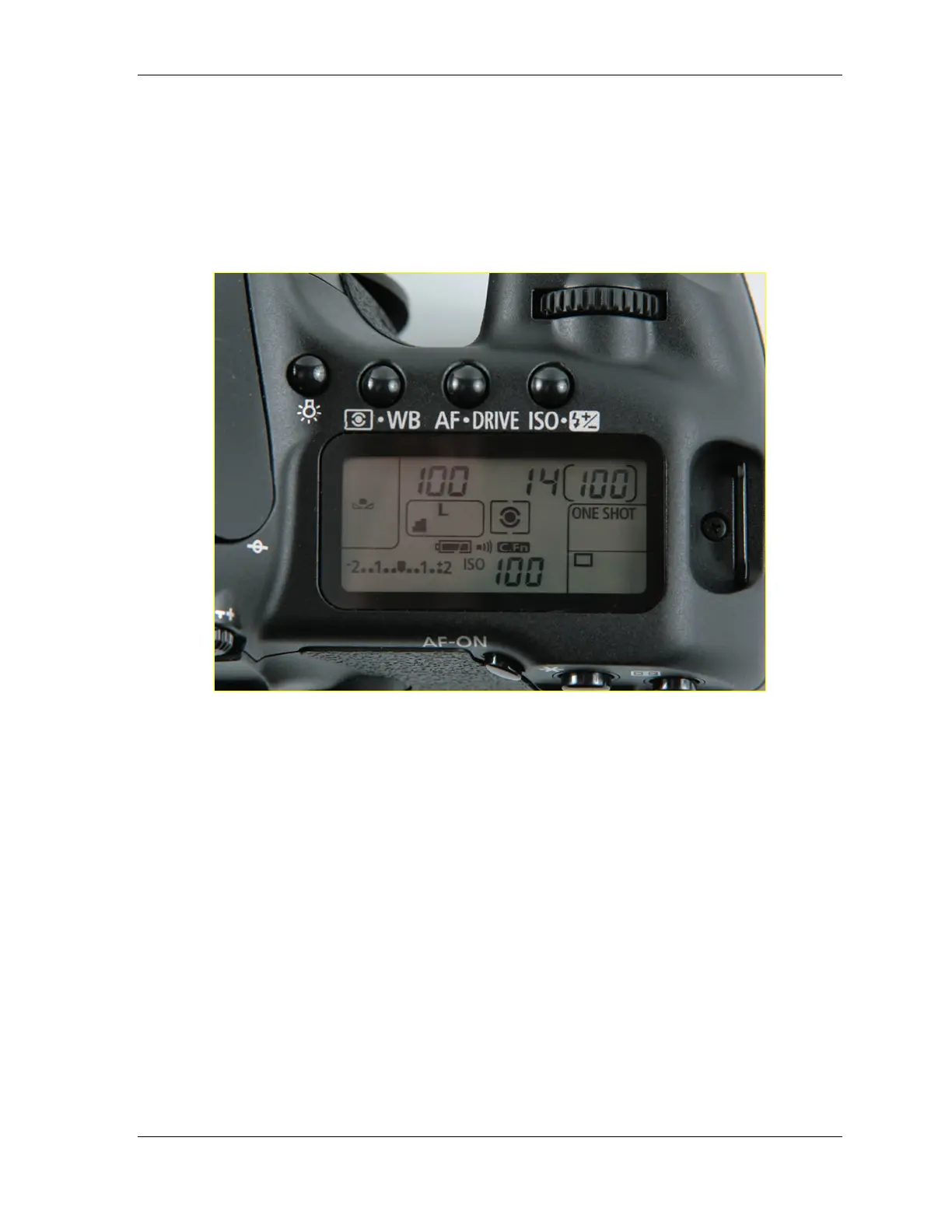
Canon 40D Digital Camera Overview Manual
July 10, 2008 © 2008 Consumer Programs Incorporated Page 21
PROPRIETARY & CONFIDENTIAL
SECTION 4: CAMERA SETTINGS
Introduction
Camera settings are an important part of using the Canon 40D Digital Camera. Correct camera
settings ensure that the camera functions properly and produces high-quality images.
Restricted Mode
The Canon 40D Digital Camera uses a version of firmware that prevents all users from changing
settings, accessing internal menus, and ultimately changing how the camera functions.
This is called “Restricted Mode”. While in this mode, the camera must be unlocked with a password
to access camera settings.
If a Canon 40D Digital Camera should require troubleshooting, Wal-Mart Portrait Studio Associates
will work with Technical Support Technicians to unlock the camera, troubleshoot the problem, and
put the camera back into Restricted Mode. This is a process that every Wal-Mart Portrait Studio
Associate will become familiar with.












 To Next Page