Chapter 4
4-36
4.3.1.10 Horizontal Registration
0003-2279
Memo:
If the image is still not indicated after making adjustments using the host machine's service
mode, adjust the side guide plate of the ADF original pickup tray.
a. Making Adjustments Using the Host Machine's Service Mode
1) Obtain the Test Chart.
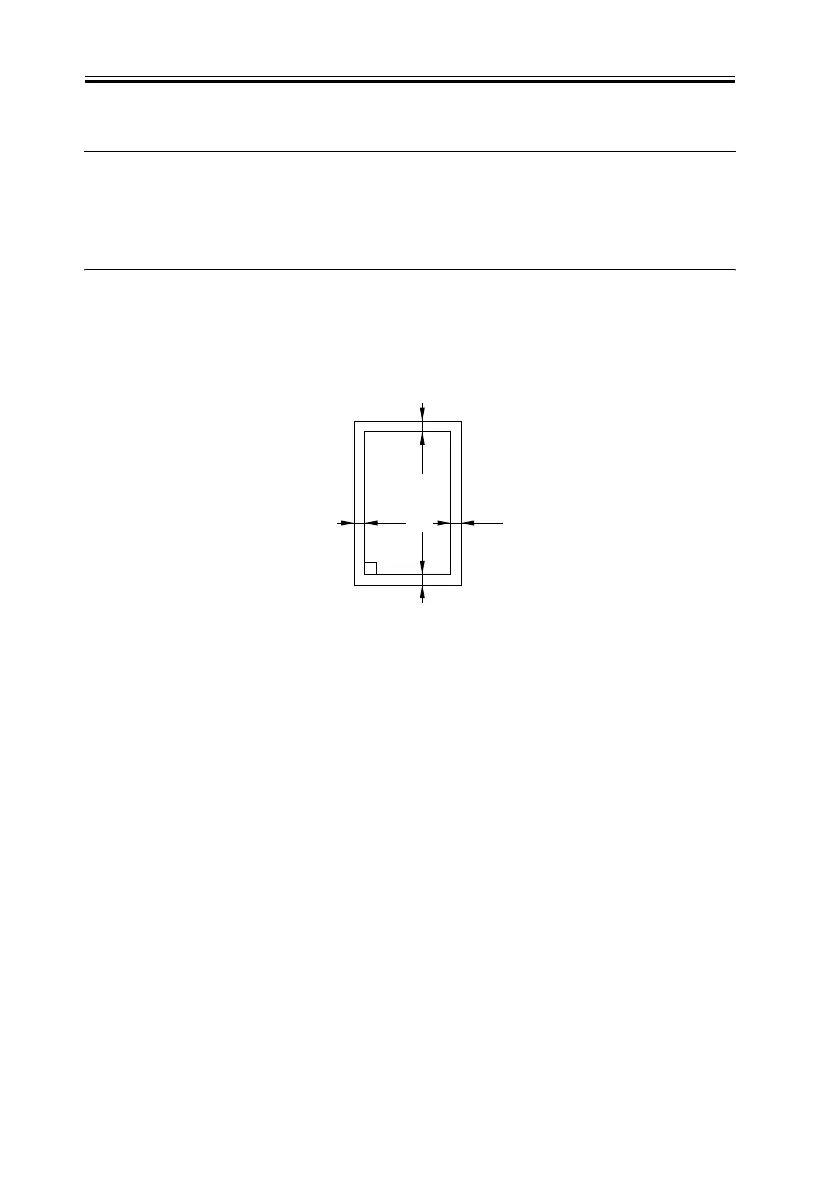
If the Test Chart is not available, prepare one using A4 or LTR paper as follows:
F-4-43
2) Place the Test Chart in the original pickup tray, and make a copy at a 100% reproduction
ratio.
3) Put the Test Chart over the output of step 2), and check to see that the following is true
A </= 1 mm
B </= 1 mm
If not, go to step 4).
Right angle
10mm
10mm
10mm
10mm



 To Next Page