114
Erasing All Transfer Orders
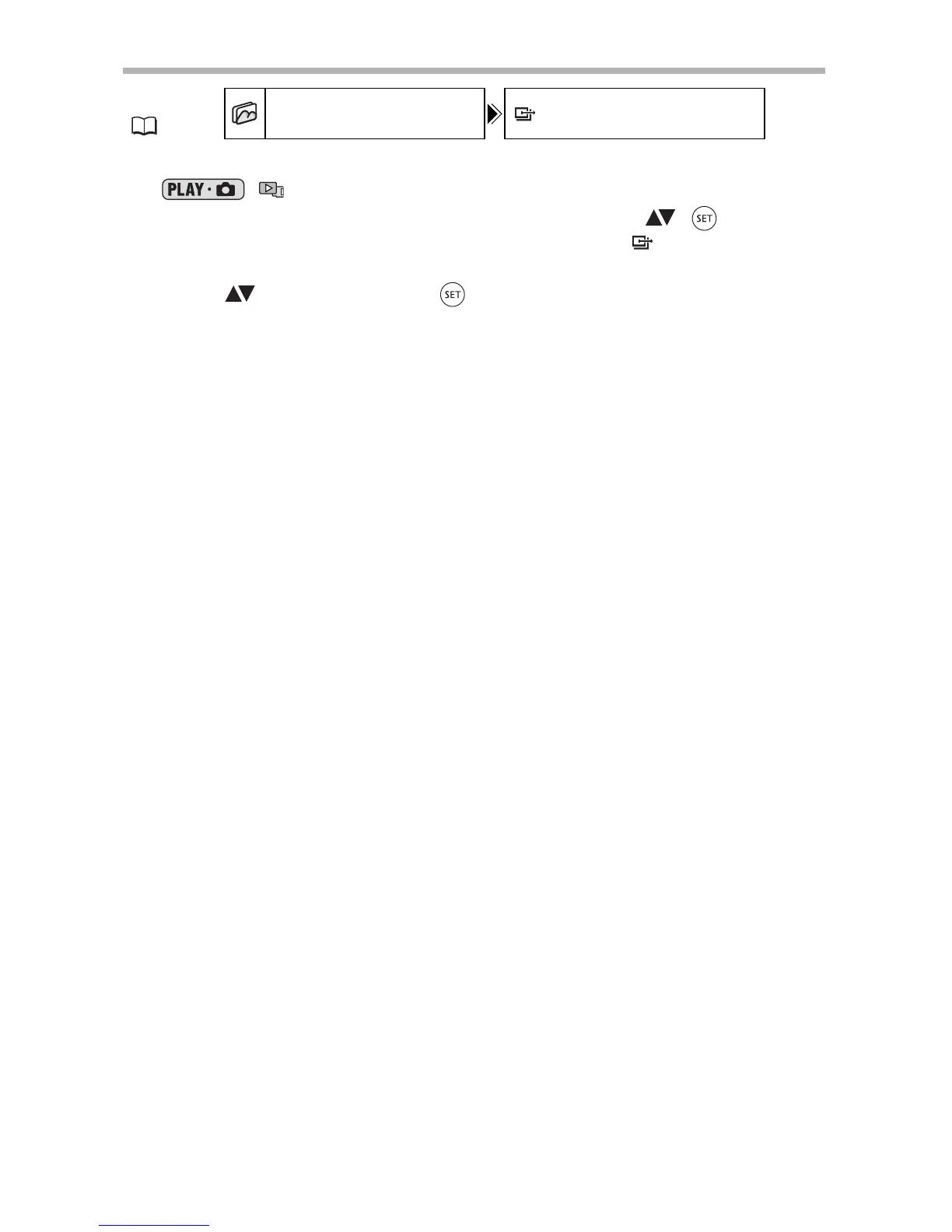
1. Set the camcorder to view still images recorded on the memory card
(/).
2. Press the MENU button and use the multi selector ( , ) to select
the [STILL IMG OPER.] menu and then select the [ ORD. ALL
ERASE] option.
3. Select ( ) [YES] and press ( ).
4. Press the MENU button to close the menu.
MENU
(79)
STILL IMG OPER. ORD. ALL ERASE



 To Next Page