43
Basic Functions
Playback
E
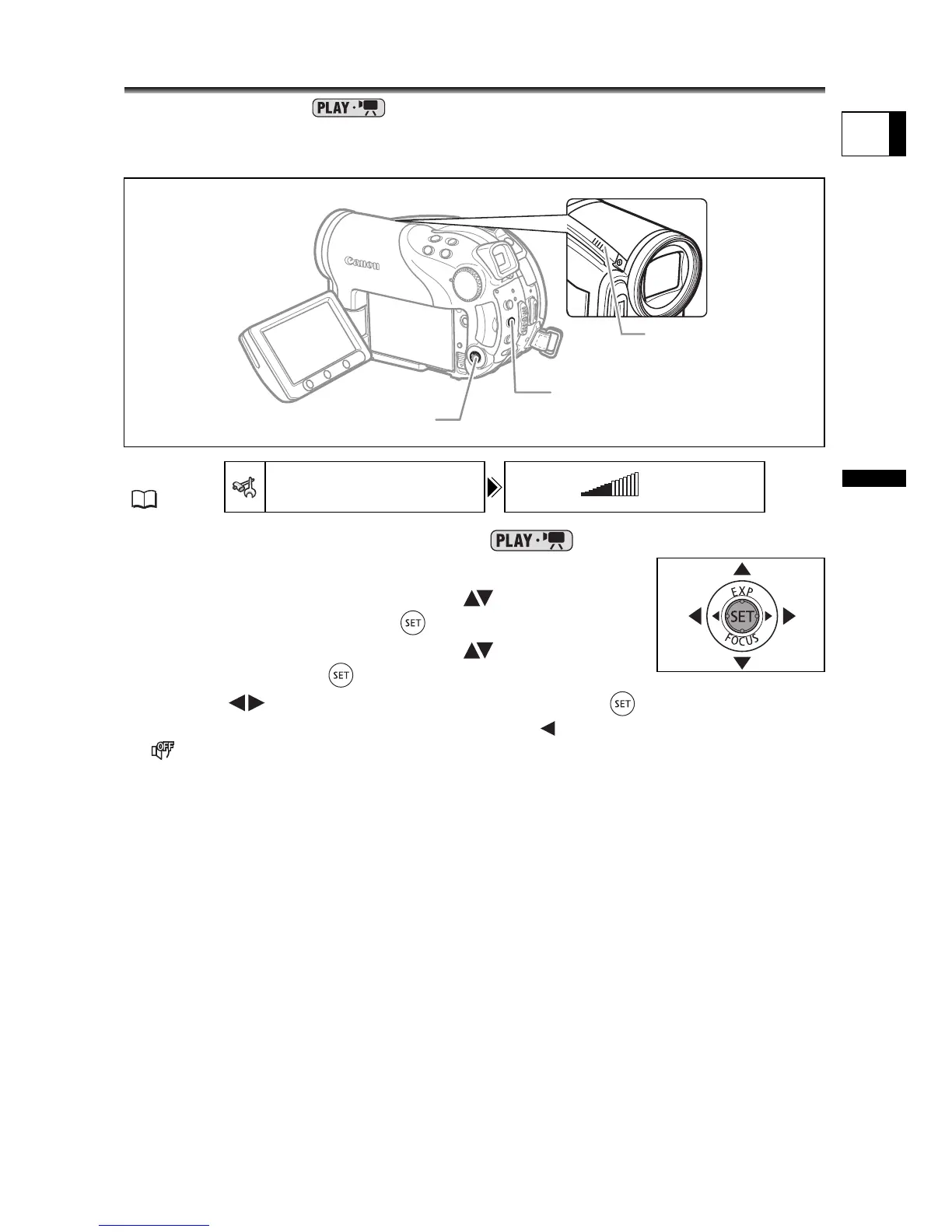
Adjusting the Volume
While playing a movie ( ): If you use the LCD screen for playback the
camcorder will play the sound using the built-in speaker. If you close the LCD panel the
sound will be muted.
1. Set the camcorder to play movies ( ).
2. Press the MENU button.
3. Use the multi selector to select ( ) the [SYSTEM
SETUP] menu and press ( ).
4. Use the multi selector to select ( ) the [VOLUME]
option and press ( ).
5. Adjust ( ) the volume as desired and press ( ).
To turn off the volume completely, keep pressing ( ) until the volume icon changes to
.
6. Press the MENU button to save the setting and close the menu.
MENU
(79)
SYSTEM SETUP
VOLUME
Multi Selector
Speaker
MENU button



 To Next Page