34
About the Power Save mode: In order to save power when the camcorder is
powered by a battery pack, the camcorder will automatically shut off if left
without any operations for 5 minutes ( 84). To restore the power, slide the
power switch towards MODE and release it, or move the power switch to
and back to ON.
About the LCD and viewfinder screen: The screens are produced using
extremely high-precision manufacturing techniques, with more than 99.99% of
the pixels operating to specification. Less than 0.01% of the pixels may
occasionally misfire or appear as black, red, blue or green dots. This has no
effect on the recorded image and does not constitute a malfunction.
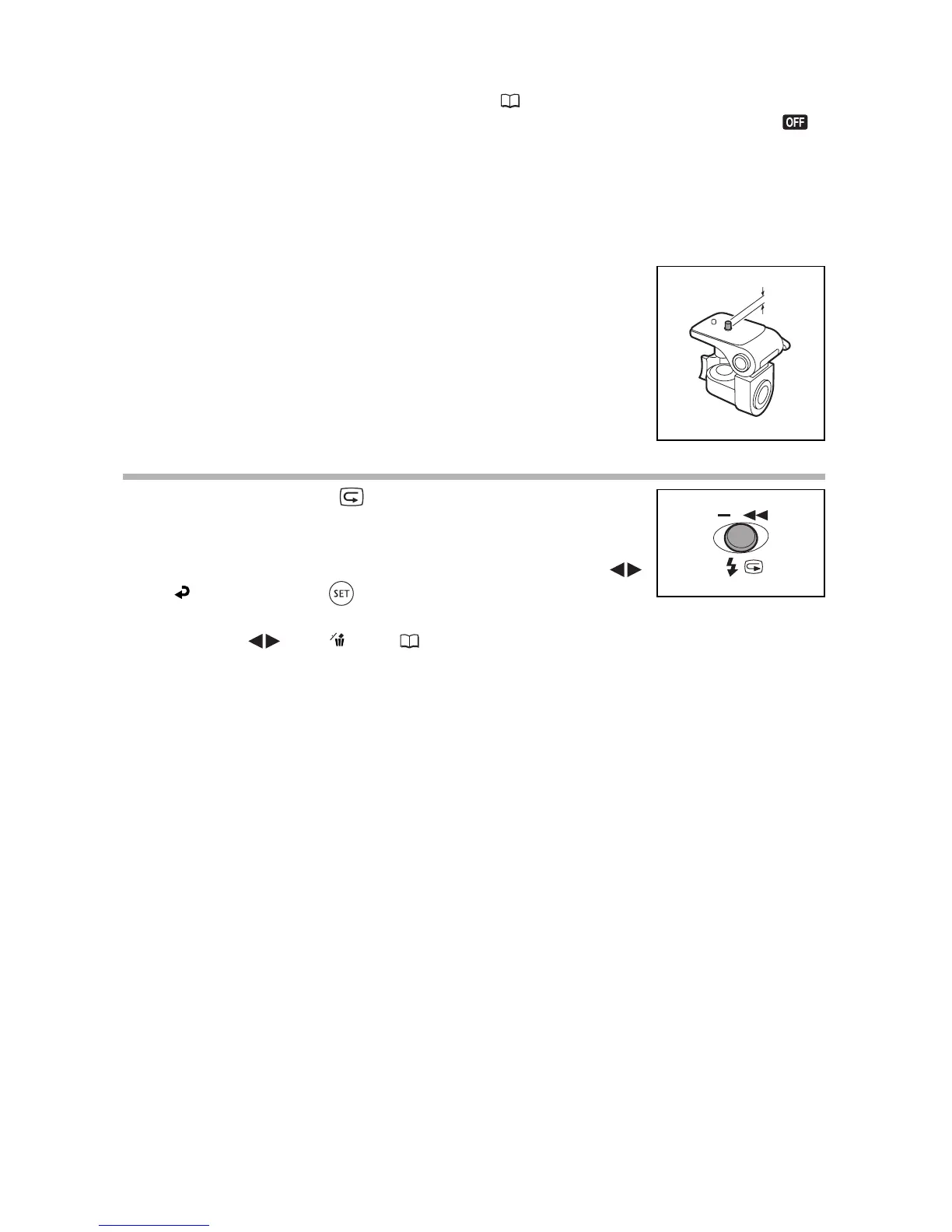
When using a tripod: Do not leave the viewfinder
exposed to direct sunlight as it may melt (due to
concentration of the light by the lens).
Do not use tripods with fastening screws longer than
5.5 mm (0.2 inch). Doing so may damage the camcorder.
Reviewing the Last Scene Recorded
Press and release the (record review) button.
• The camcorder plays back the last scene and returns to record
pause mode.
• While reviewing the scene, use the multi selector to select ( )
the icon and press ( ) to return to the recording mode.
• While reviewing a scene immediately after recording it, you can also delete the scene
by selecting ( ) the icon ( 86).



 To Next Page