97
Editing Functions
Still Image Options
E
Initializing the Memory Card
Initialize a new memory card when first inserting it into the camcorder. You may have to
initialize a card if you get the “CARD ERROR” message or you may choose to do so to
erase all data recorded on it.
Initializing the memory card will erase all still images, even the protected ones.
The original still images cannot be recovered.
Initialize all memory cards before using them with this camcorder.
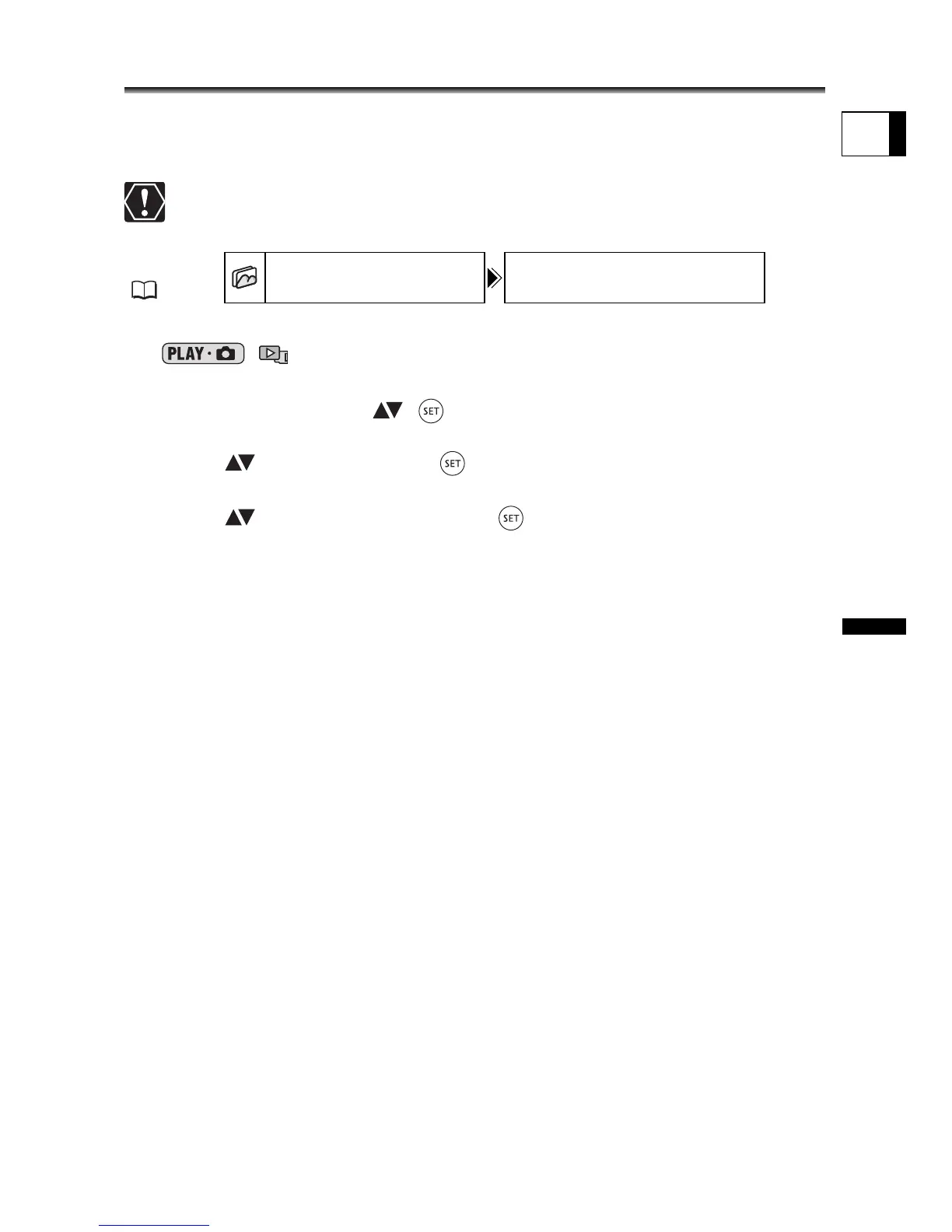
1. Set the camcorder to view still images recorded on the memory card
(/).
2. Press the MENU button.
3. Use the multi selector ( , ) to select the [STILL IMG OPER.] menu
and then select the [CARD INITIALIZE] option.
4. Select ( ) [YES] and press ( ).
A confirmation screen will appear.
5. Select ( ) [YES] again and press ( ).
6. Press the MENU button to close the menu.
MENU
(79)
STILL IMG OPER. CARD INITIALIZE



 To Next Page