55
Advanced Features
More Recording Options
E
Changing the Focusing Mode
You can change the AF (autofocus) frame selection mode.
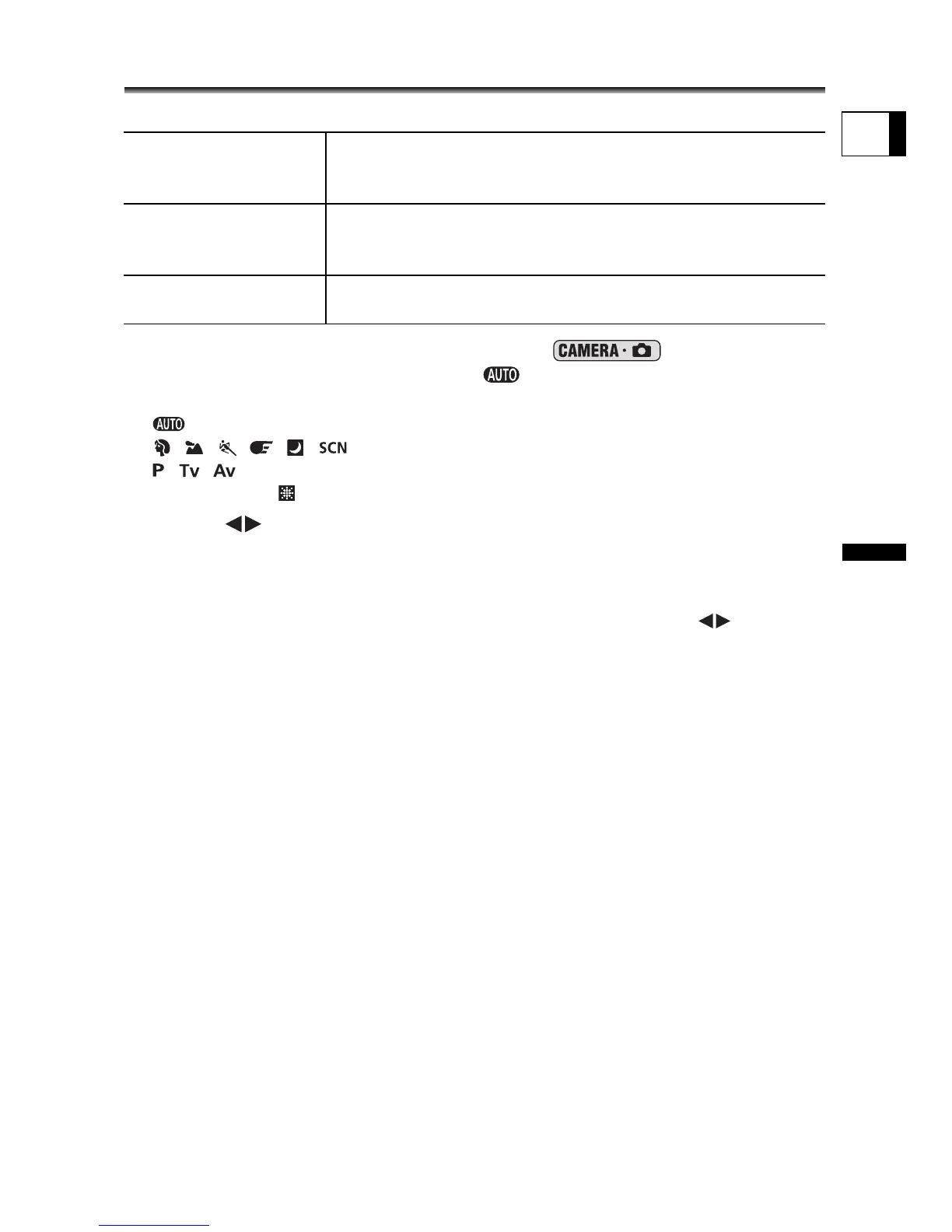
1. Set the camcorder to record still images ( ) and set the
mode dial to a position other than .
The setting differs depending on the position of the mode dial.
: 9 Point AiAF only.
, , , , , *: 9 Point AiAF or Center point.
, , : AF frame selection.
* Except for the Fireworks recording program.
2. Select ( ) the focusing mode.
• 9 Point AiAF: Four framing corners will appear on the screen when making the
selection; the frame corners do not appear while actually recording.
• Center point: A single focusing frame appears in the center of the screen.
• AF Frame Selection: All 9 AF frames appear on the screen. Select ( ) the frame
where you want to focus.
9 Point AiAF
(Auto selection)
Depending on the shooting conditions, one or more AF
frames out of the nine frames available are automatically
selected and focused on.
Center point Out of the nine frames available, the center AF frame is
selected to focus. This is convenient for making sure the
focus is exactly where you want it.
AF Frame Selection You can select the AF frame you want to focus on, out of the
nine frames available.



 To Next Page