62
Depending on the recording mode, you might occasionally notice a brief stop of the
picture or sound at the point where the scene changes.
The camcorder uses a variable bit rate (VBR) when encoding the video data so the
actual recording times will vary depending on the content of the scenes.
1
This option is available only from the original movies index screen.
2
This option is available only from the playlist index screen.
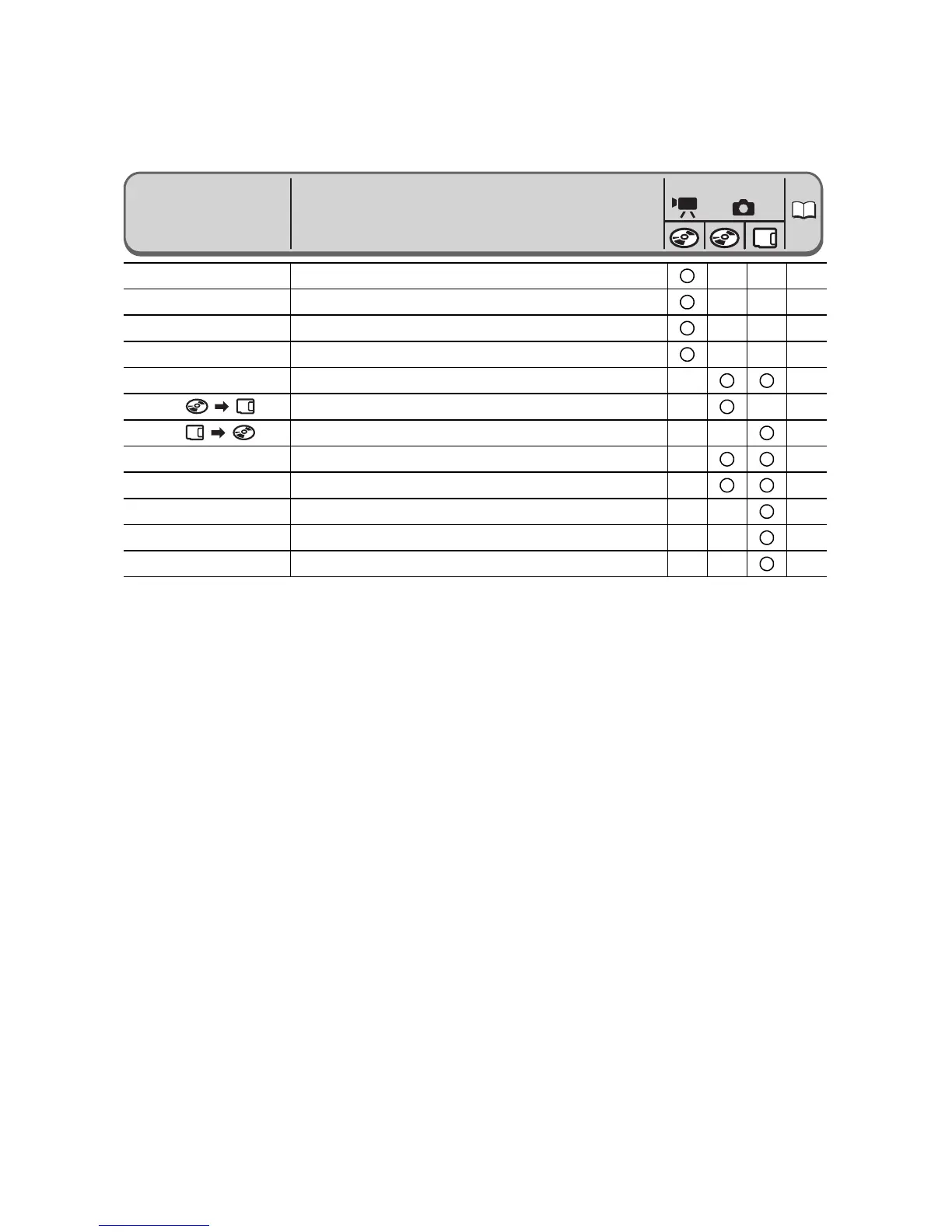
Add to playlist
1
ALL SCENES, ONE SCENE, CANCEL
85
Move a scene
2
–
85
Divide a scene
–
88
Delete a scene
–
86
Convert to scene
–
95
Copy [ ]
–
94
Copy [ ]
–
94
Still image erase
–
92
Slideshow
CANCEL, START
41
Still image protect
OFF, ON
96
Print order
0 ~ 99 COPIES
120
Transfer order
OFF, ON
113
Menu Items
Setting Options
PLAY



 To Next Page