99
Disc Finalization
E
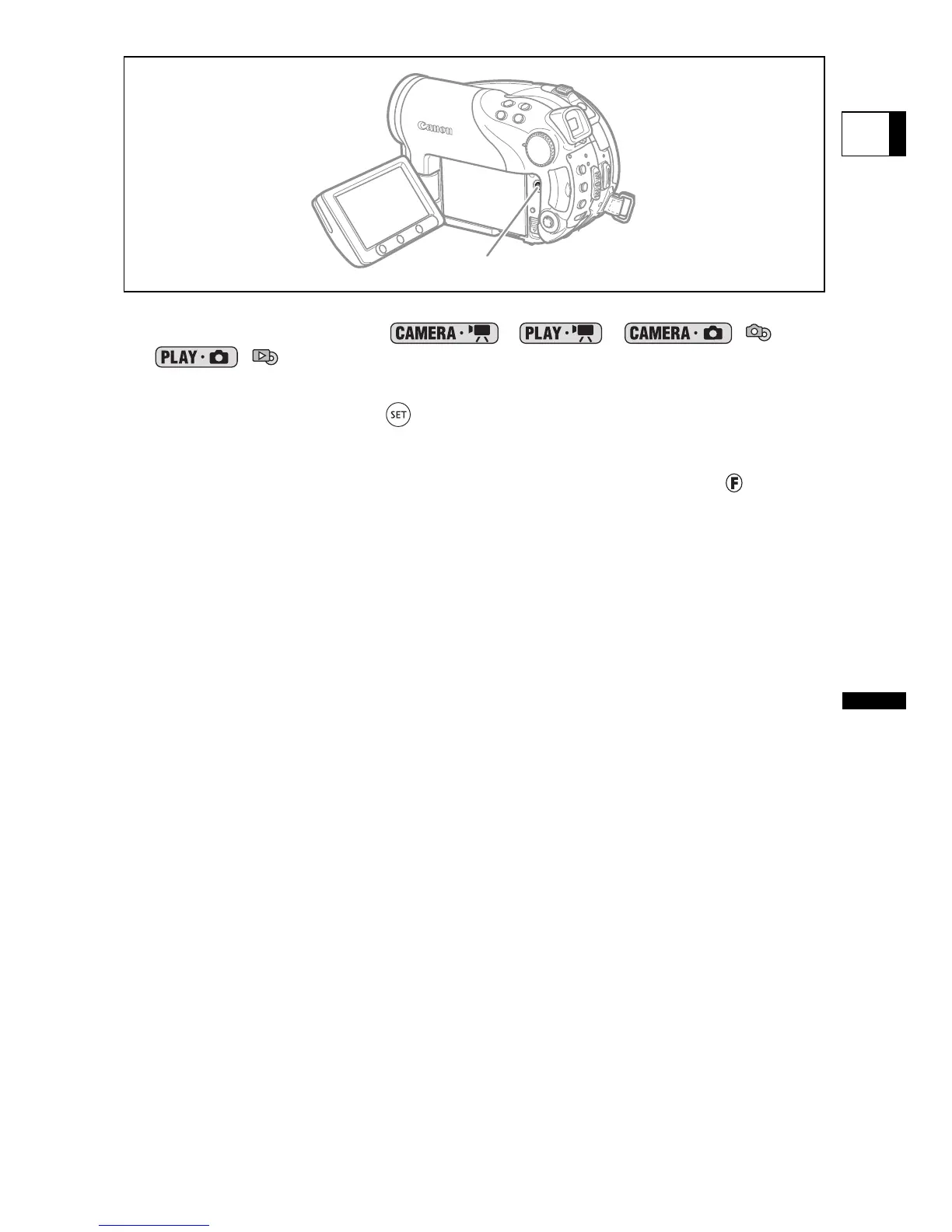
1. Set the camcorder either to record or play movies or to record or view
still images on the disc ( , , / or
/).
2. Press the FINALIZE button.
3. Select [YES] and press ( ) to start the disc finalization.
• A progress bar and the remaining time are displayed.
• Avoid moving the camcorder while the disc finalization is in progress.
• When using a finalized disc in a recording mode, the finalization mark “ ” will
appear next to the disc type display.
FINALIZE button



 To Next Page