20
Setting JPEG File Image Quality
Select the image quality to be applied when saving scanning images as JPEG files. The file size depends
on the selected image quality.
1 Click JPEG File in the Options menu.
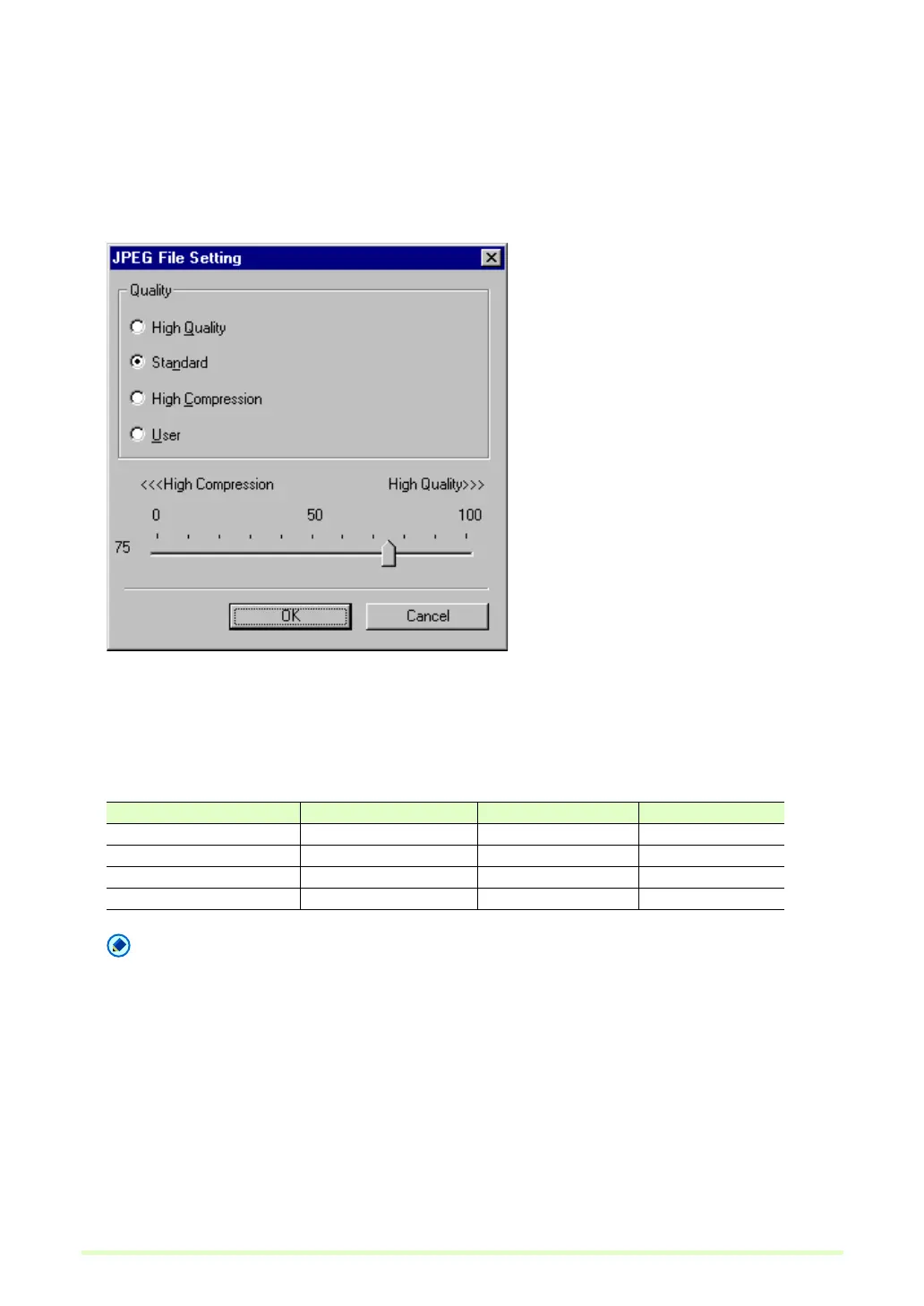
The JPEG File Setting dialog box appears.
2 Make the following settings:
Quality
Select the quality of files to be saved from the following choices. The slider position changes when an
item is selected.
Note
When High Quality is selected, the quality of saved images has priority, but files are large. When High
Compression is selected, the size of saved image has priority, but image quality is poorer.
3 Click the OK button.
The JPEG File Setting dialog box closes.
Quality Setting Slider Value Image Quality File Size
High Quality 90 (Auto) High Large
Standard 75 (Auto) Standard Standard
High Compression 10 (Auto) Low Small
User Manual setting See Note See Note







 To Next Page