73
5
Advanced Operations
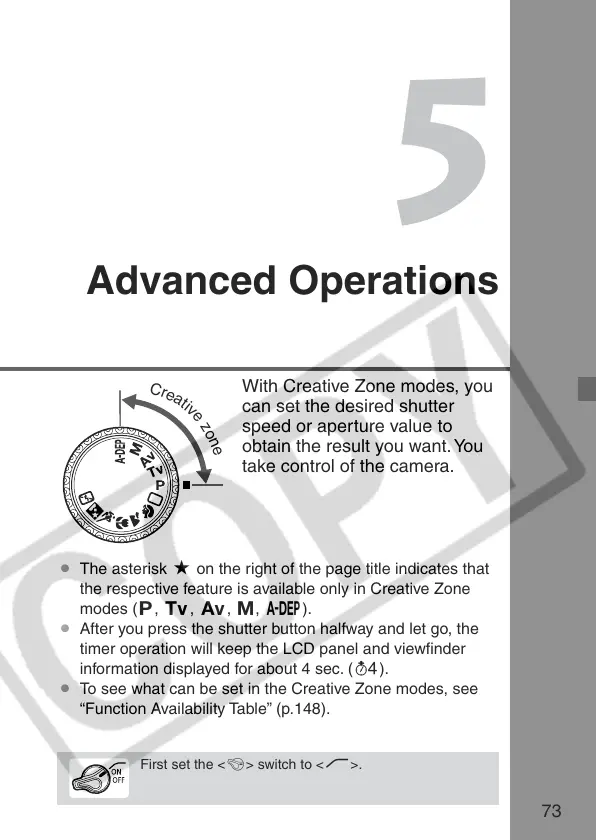
With Creative Zone modes, you
can set the desired shutter
speed or aperture value to
obtain the result you want. You
take control of the camera.
¡ The asterisk M on the right of the page title indicates that
the respective feature is available only in Creative Zone
modes (d, s, f, a, 8).
¡ After you press the shutter button halfway and let go, the
timer operation will keep the LCD panel and viewfinder
information displayed for about 4 sec. (0 ).
¡ To see what can be set in the Creative Zone modes, see
“Function Availability Table” (p.148).
C
r
e
a
t
i
v
e
z
o
n
e
First set the <4> switch to <J>.















 To Next Page