239
While viewing the Live View image, you can apply one of seven filter
effects (Grainy B/W, Soft focus, Fish-eye effect, Art bold effect, Water
painting effect, Toy camera effect, and Miniature effect) for shooting.
The camera saves only the image with the Creative filter applied. You
can also take a picture without a Creative filter, then apply an effect
afterward and save it as a new image (p.380).
1
Turn the Mode Dial to a Creative
Zone mode.
2
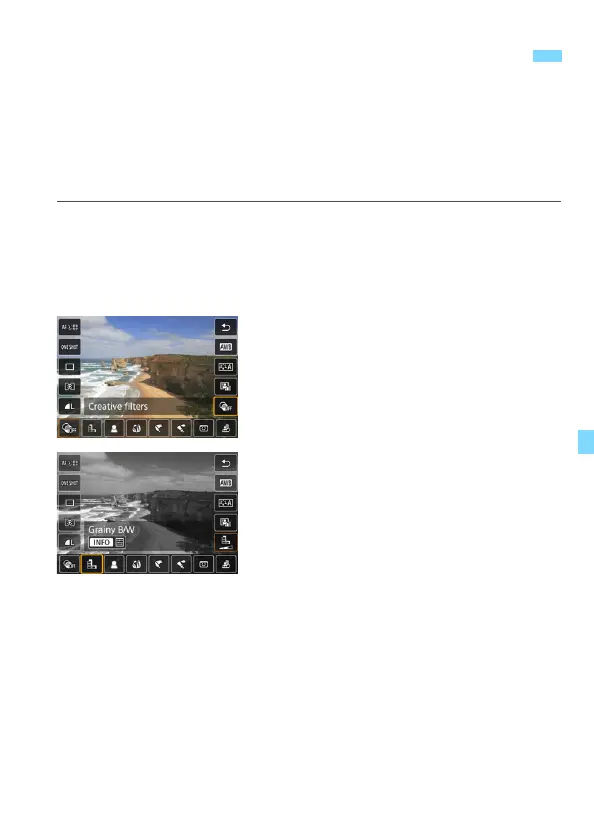
Press the <Q> button (7).
The Quick Control screen will appear.
3
Select [x].
Press the <W> <X> keys to select
[x] (Creative filter) on the right side
of the screen.
4
Select a filter.
Press the <Y> <Z> keys to select a
filter (p.241).
The image will be displayed with the
effects of the filter applied.
U Shooting with Creative Filter EffectsN





 To Next Page