95
The camera will automatically choose the appropriate settings when
you select a shooting mode for your subject or scene.
1
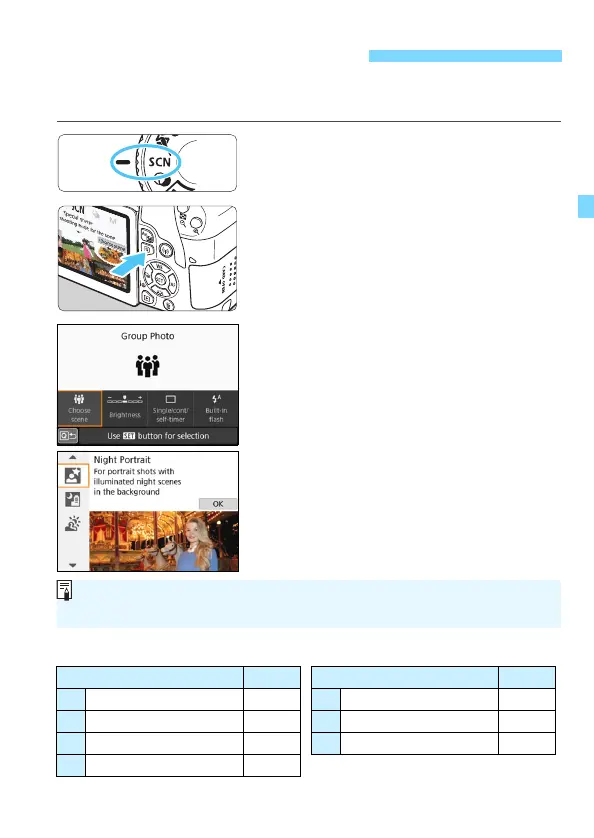
Set the Mode Dial to <8>.
2
Press the <Q> button (7).
The Quick Control screen will appear.
3
Select a shooting mode.
Select [Choose scene], then press
<0>.
Press the <W> <X> keys to select
the desired shooting mode, then
press <0>.
You can also select by turning the
<6> dial.
Available Shooting Modes in the <8> Mode
8: Special Scene Mode
Shooting Mode Page Shooting Mode Page
q Group Photo p.96 6 Night Portrait p.100
C Kids p.97 F Handheld Night Scene p.101
P Food p.98 G HDR Backlight Control p.102
x Candlelight p.99
If [s: Mode guide] is set to [Enable], press <0> after step 1 to go to the
shooting mode selection screen.





 To Next Page