96
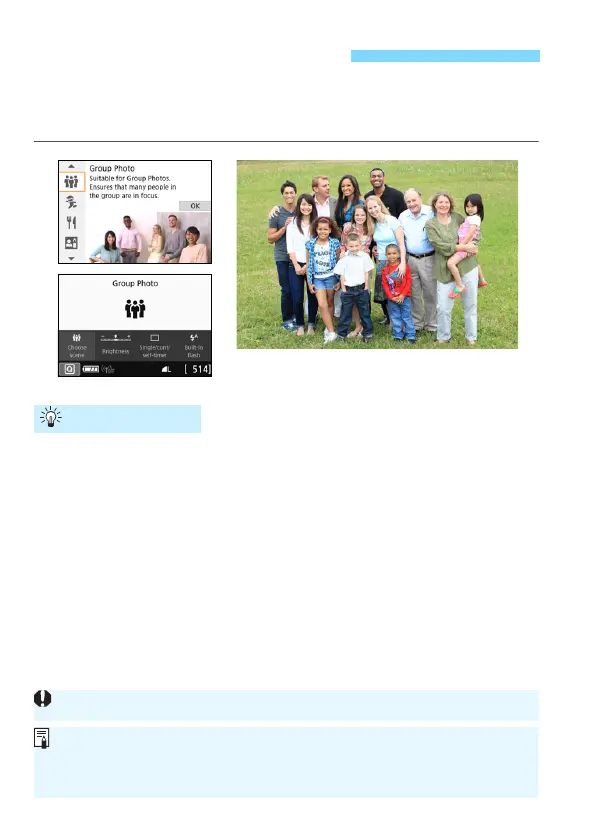
Use the <q> (Group Photo) mode to shoot group photos. You can take
a picture in which both the people in the front and people in the back are
all in focus.
Use a wide-angle lens.
When using a zoom lens, use the wide-angle end to make it easy to
get all the people in the group in focus at once, from the front row to
the back. Also, if you place a little distance between the camera and
the subjects (so that the subjects’ entire bodies are in the shot), the
focus range increases.
Use continuous shooting.
It is recommended to use continuous shooting to shoot multiple
photos in case some people close their eyes.
q Shooting Group Photos
Shooting Tips
See the cautions on page 103.
When shooting indoors or in low-light, hold the camera steady or use a
tripod to prevent camera shake.
You can adjust the image brightness with [Brightness].





 To Next Page