280
In the <v> (Creative filters) mode, you can shoot movies with one of
five filter effects (Dream, Old Movies, Memory, Dramatic B&W, and
Miniature effect movie).
The recording size can be set to L6/4 (NTSC) or L5
(PAL).
1
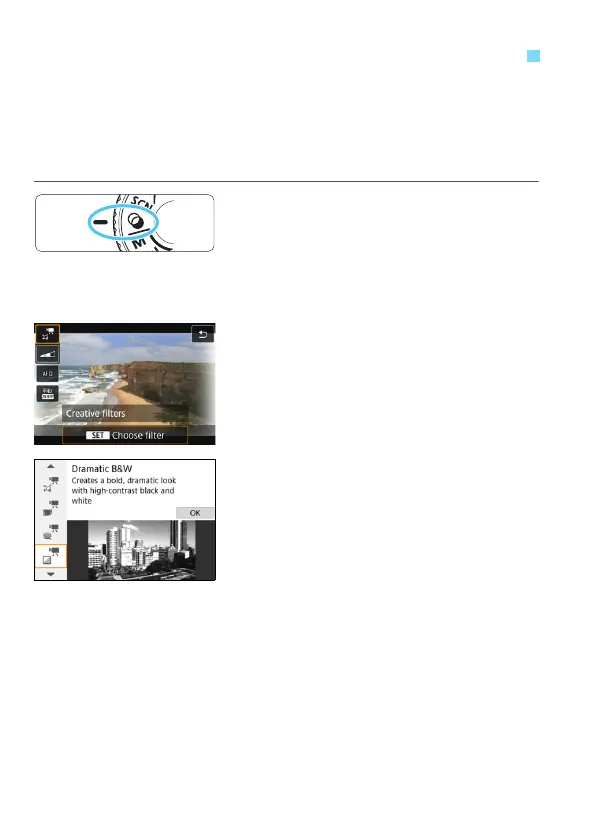
Set the Mode Dial to <v>.
2
Press the <Q> button (7).
The Quick Control screen will appear.
3
Select [l].
Press the <W> <X> keys to select
[l] (Creative filters) on the upper left
of the screen, then press <0>.
4
Select a filter effect.
Press the <W> <X> keys to select a
filter (p.281), then press <0> and
select [OK].
The image will be displayed with the
effects of the filter applied.
v
Shooting Movies with Creative Filter Effects





 To Next Page