321
Handy Features
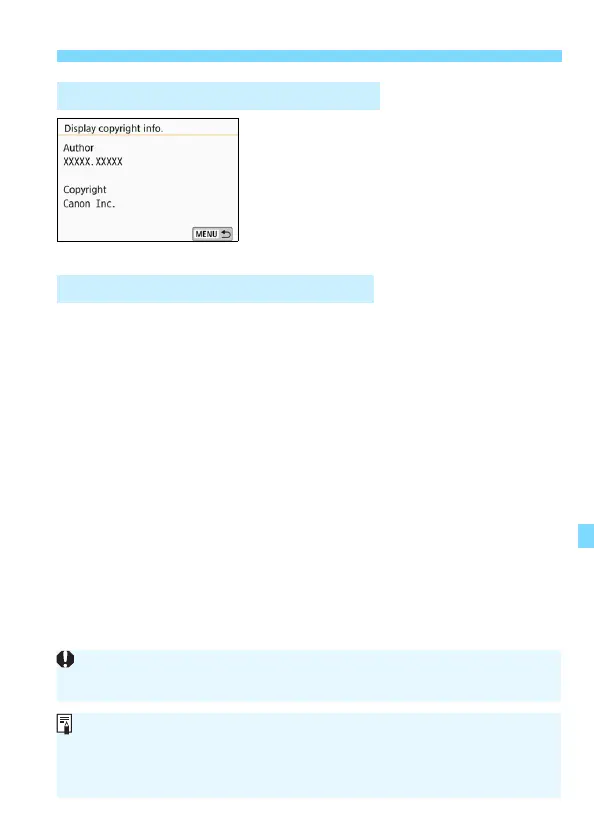
When you select [Display copyright
info.] in step 2, you can check the
[Author] and [Copyright] information
that you entered.
When you select [Delete copyright information] in step 2, you can
delete the [Author] and [Copyright] information.
Checking the Copyright Information
Deleting the Copyright Information
If the entry for “Author” or “Copyright” is long, it may not be displayed
entirely when you select [Display copyright info.].
If you cannot enter text in step 3, press the <Q> button and use the
character palette when the blue frame appears.
You can also set or check the copyright information with EOS Utility
(EOS software, p.474).





 To Next Page