3 Setting Ratings
342
You can specify the range of images to rate all the images in the range at
once.
1
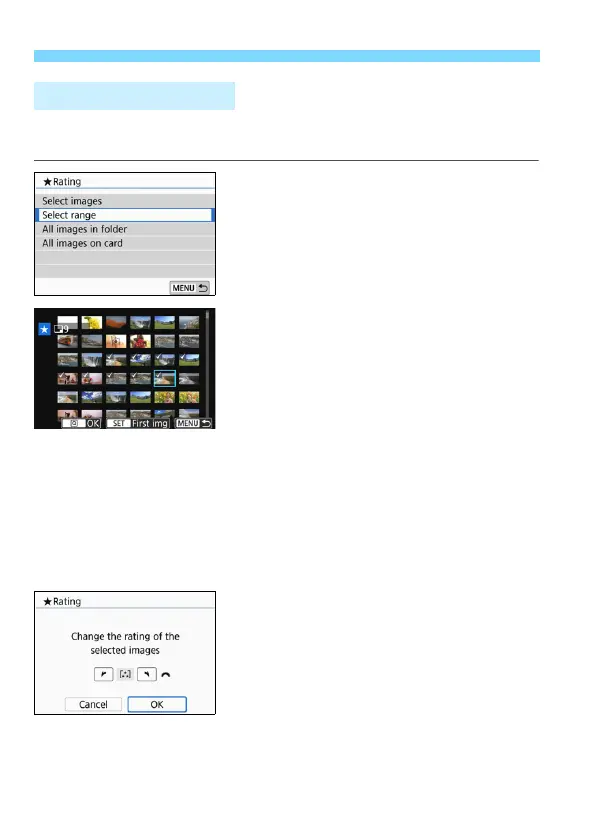
Select [Select range].
Select [Select range] in [x2:
Rating], then press <0>.
2
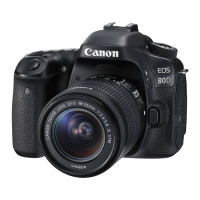
Specify the range of images.
Select the first image, then press
<0>.
Select the last image, then press
<0>.
The [X] icon will appear on the
selected images.
To cancel the selection, repeat this
step.
To return to the previous screen,
press the <M> button.
3
Confirm the range.
Press the <Q> button.
4
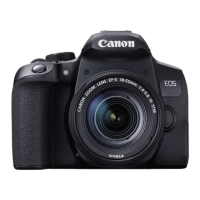
Rate the image.
Turn the <6> dial to select a rating
mark, then select [OK].
Specifying the Range




 To Next Page