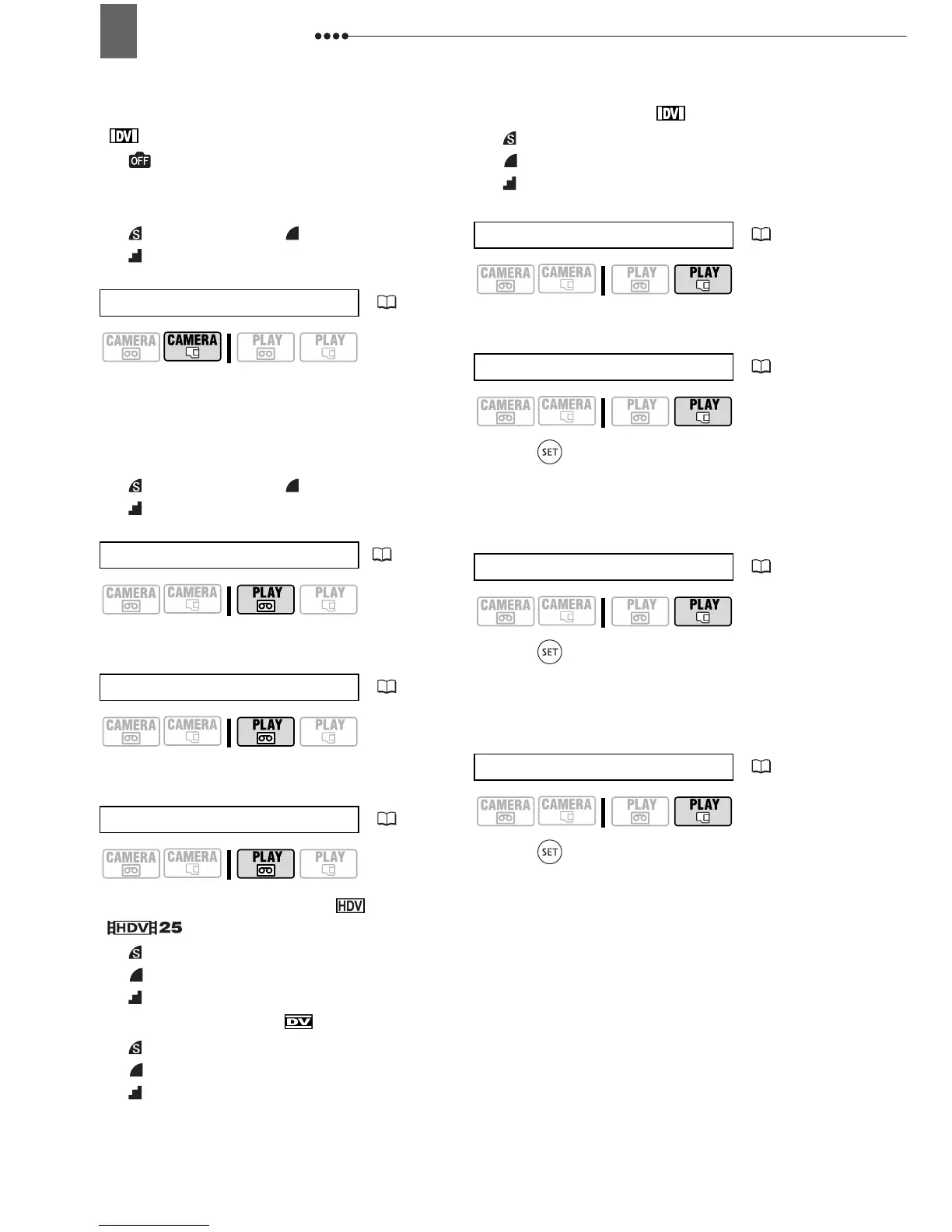
Menu Options Lists
34
When [HD STANDARD] is set to
[ DV(NORMAL)]:
[ STILL I.REC OFF],
[
M
1440x1080], [
S
640x480]
Quality:
[ SUPER FINE], [ FINE],
[NORMAL]
Size:
[
LW
1920x1080], [L 2048x1536],
[
M
1440x1080], [
S
640x480]
Quality:
[ SUPER FINE], [ FINE],
[NORMAL]
[CANCEL], [EXECUTE]
[CANCEL], [EXECUTE]
Recordings made in HDV ([ HDV] or
[ HDV(PF25)]):
[
LW
S.FINE/1920x1080],
[
LW
FINE/1920x1080],
[
LW
NORMAL/1920x1080]
Recordings made in [ DV(WIDE)]:
[
SW
S.FINE/848x480],
[
SW
FINE/848x480],
[
SW
NORMAL/848x480]
Recordings made in [ DV(NORMAL)]:
[
S
S.FINE/640x480],
[
S
FINE/640x480],
[
S
NORMAL/640x480]
[CANCEL], [START]
Press ( ) to enter the image selection
screen. From that screen, you can
continue to select the still images you
want to protect.
Press ( ) to enter the image selection
screen. From that screen, you can
continue to select the still images for
which you want to set print orders.
Press ( ) to enter the image selection
screen. From that screen, you can
continue to select the still images you
want to mark with a transfer order.
Still image size/quality
( 51)
REC PAUSE
( 70, 71)
END SEARCH
( 30)
Still image capturing
( 52)
SLIDESHOW
( 32)
PROTECT
( 63)
PRINT ORDER
( 81)
TRANSFER ORDER
( 77)


 To Next Page