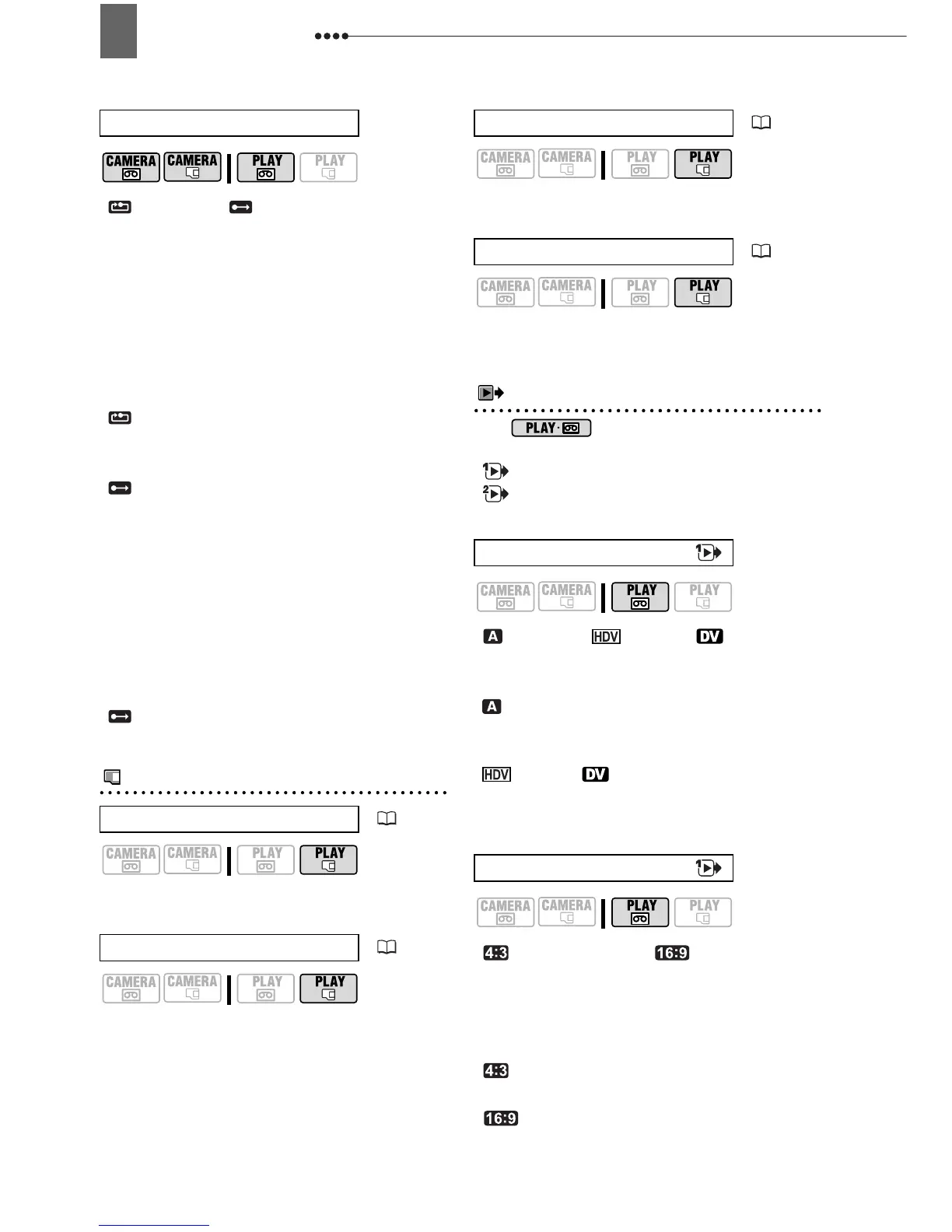
Menu Options Lists
38
[ RESET], [CONTINUOUS]
Select the image numbering method to be
used when you insert a new memory
card.
Images are automatically assigned
consecutive image numbers from 0101 to
9900, and stored in folders containing up
to 100 images. Folders are numbered
from 101 to 998.
[ RESET]: Image numbers will restart
from 101-0101 every time you insert a
new memory card.
[ CONTINUOUS]: Image numbers will
continue from the number following that
of the last image recorded with the
camcorder.
If the memory card you insert already
contains an image with a larger number, a
new image will be assigned a number one
higher than that of the last image on the
memory card.
We recommend using the
[ CONTINUOUS] setting.
Card Operations (Initialization, Erase All Images, etc.)
CARD OPERATIONS
[NO], [YES]
[NO], [YES]
[NO], [YES]
[CANCEL], [INITIALIZE], [COMPL.INIT.]
Playback/Video Output Setup (Playback Standard, Component Video Out, DV Out etc.)
PLAY/OUT SETUP*
* In mode, the following menu
options are divided into two menus,
[ PLAY/OUT SETUP1] and
[ PLAY/OUT SETUP2]; this will be
indicated with the respective menu icon.
[ AUTO], [ HDV], [ DV]
Select the video standard to be used for
playback.
[ AUTO]: Switches automatically
between standards (HDV/DV) during
playback.
[ HDV], [ DV]: Plays back only the
recordings made in the selected
standard.
[ NORMAL TV],
[ WIDE TV]
In order to display the picture in full and in
the correct aspect ratio, select the setting
according to the type of television to
which you will connect the camcorder.
[ NORMAL TV]: TV sets with 4:3
aspect ratio.
[ WIDE TV]: TV sets with 16:9
aspect ratio.
FILE NOS.
PRINT ORD.ALL ERASE
( 82)
TRANS.ORD.ALL ERASE
( 78)
ERASE ALL IMAGES
( 63)
INITIALIZE
( 64)
PLAYBACK STD
TV TYPE


 To Next Page