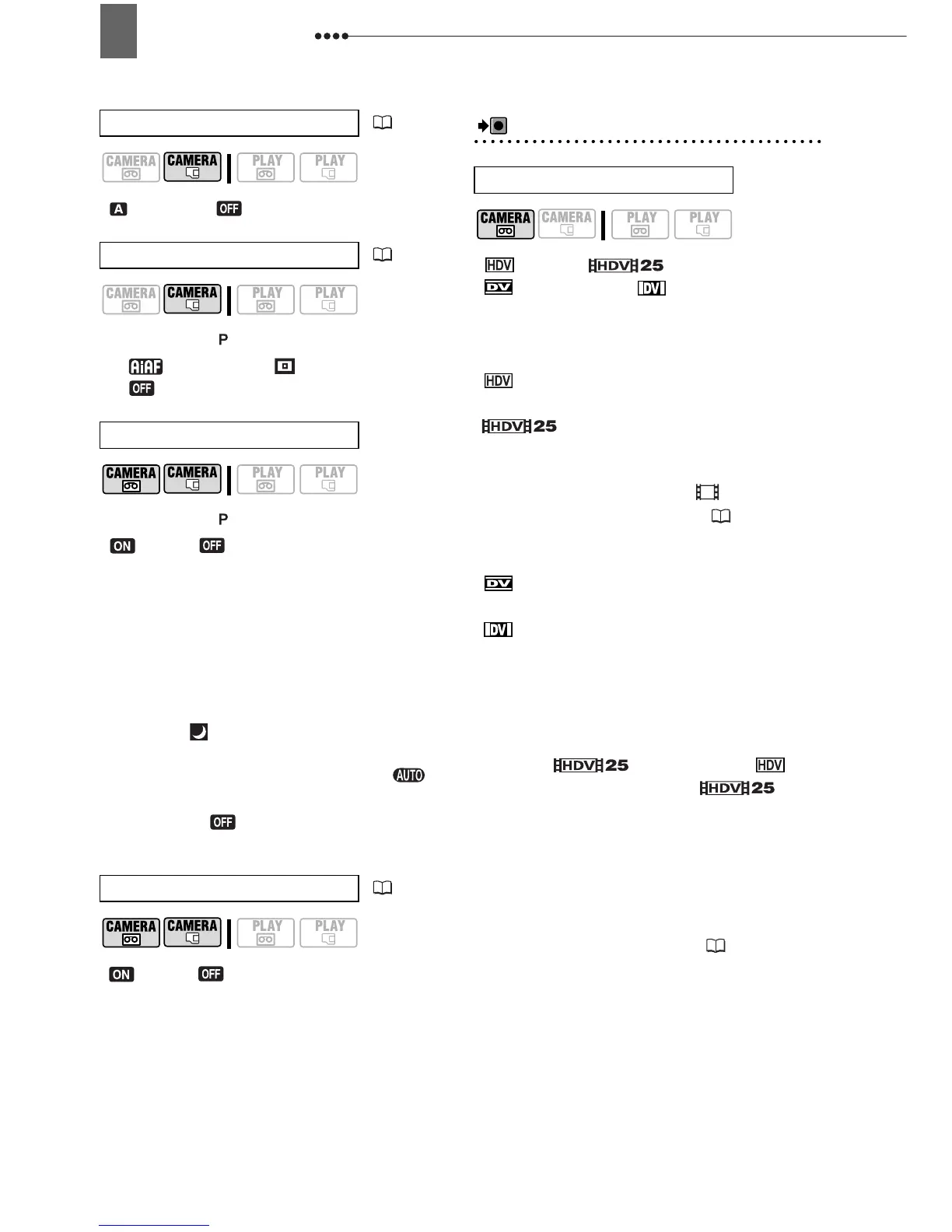
Menu Options Lists
36
[ AUTO], [ OFF]
Mode switch:
[ ON:AiAF], [ ON:CENTER],
[OFF]
Mode switch:
[ON], [ OFF]
The image stabilizer compensates for
camcorder shake even at full telephoto.
The image stabilizer is designed to
compensate for a normal degree of
camcorder shake.
The image stabilizer may not be
effective when recording in dark places
using the [ NIGHT] recording program.
The image stabilizer cannot be turned
off when the mode switch is set to .
We recommend setting the image
stabilizer to [ OFF] when using a
tripod.
[ON], [OFF]
Recording/Video Input Setup (HD Standard, DV Recording Mode, etc.)
REC/IN SETUP
[ HDV], [ HDV(PF25)],
[ DV(WIDE)], [ DV(NORMAL)]
Selects the video standard of the
recording and in DV standard also the
aspect ratio.
[ HDV]: High-definition video at 1080i
specifications with 16:9 aspect ratio.
[ HDV(PF25)]: High-definition
video at 1080i specifications for recording
with a progressive frame rate of 25 fps.
When combined with the [ CINE
MODE] recording program ( 43) to get
the 25p Cinema Mode, the cinematic look
will be enhanced.
[ DV(WIDE)]: Standard-definition
video with 16:9 aspect ratio.
[ DV(NORMAL)]: Standard-definition
video with 4:3 aspect ratio.
We recommend not mixing recordings
made in different video standards on the
same tape.
During the playback of a recording
made in [ HDV(PF25)], will
appear on the screen (not ).
Playing back a widescreen recording:
TV
sets compatible with the WSS system will
automatically switch to wide (16:9) mode.
Otherwise, change the aspect ratio of the
TV manually. To play back on a TV with
normal aspect ratio (4:3) change the [TV
TYPE] setting accordingly ( 38).
AF AST LAMP
( 57)
FOCUS PRI.
( 53)
IMG STAB
SELF TIMER
( 58)
HD STANDARD



 To Next Page