1-7
■ imageCLASS D760/D761
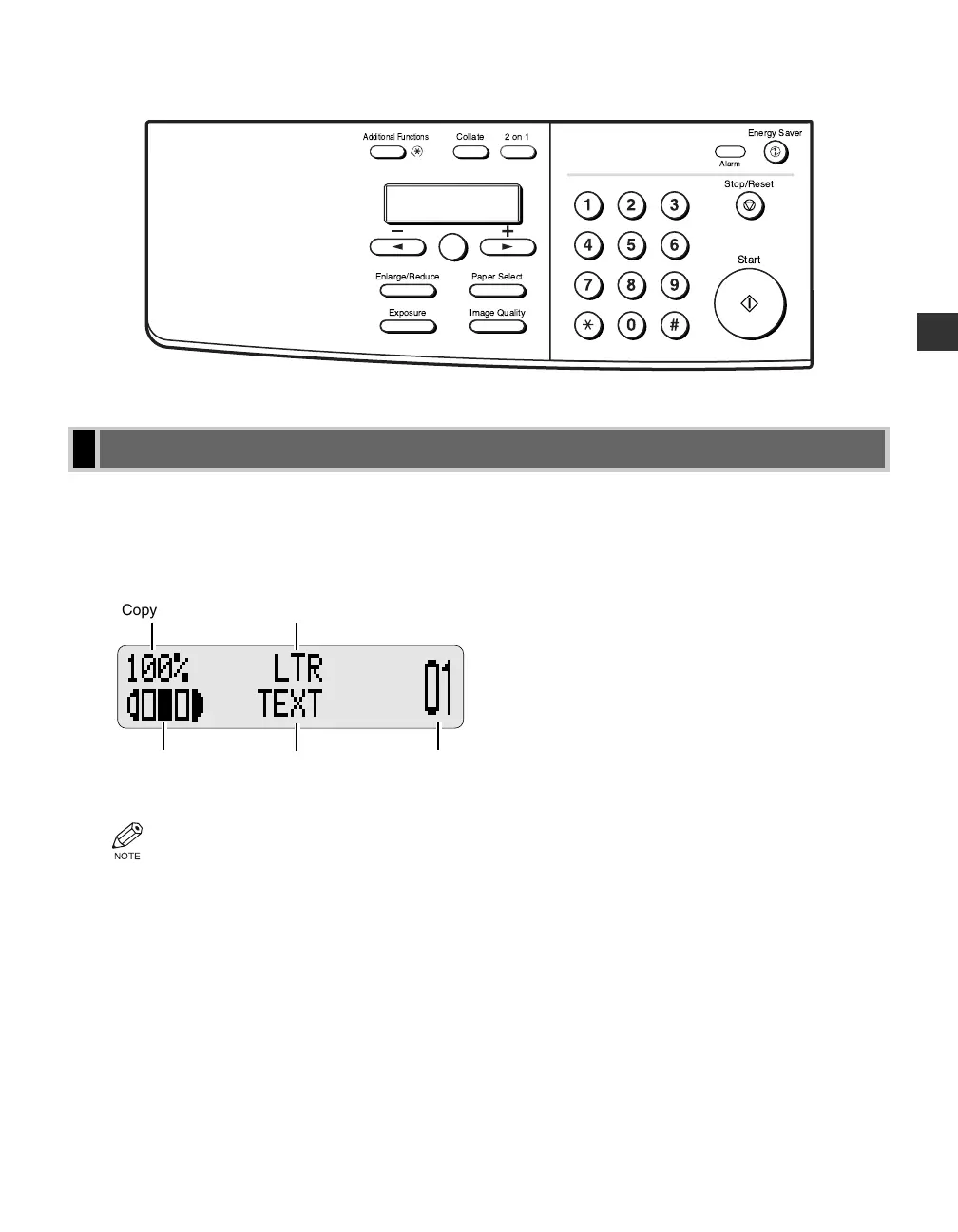
The standby display differs depending on which mode is selected. The standby display in Copy Mode is as
follows:
■ Copy Mode
• When the machine is plugged in, the LCD displays PLEASE WAIT for a while, then the Copy Mode
standby display appears.
• The Fax Mode standby display appears only with the D780 model. (→ Fax Guide)
Copy Ratio
Exposure Copy Quantity
Paper Size
Image Quality
Standby Display
Introduction
1
2on1Collate
Paper SelectEnlarge/Reduce
Image QualityExposure
Additional Functions
Alarm
Stop/Reset
Start
Energy Saver
Set
01 RG_Chap1.qxd 03.7.10 3:32 PM Page 1-7














 To Next Page