4-5
Setting Enlarging/Reducing
You can enlarge or reduce the copy size using preset copy ratios or using custom copy ratios (D780/D760).
• When the MAX. SCAN LENGTH is set to 356 mm in COPY SETTINGS in the Additional Functions,
the shadow of the ADF roller appears on reduced copies when using the platen glass.
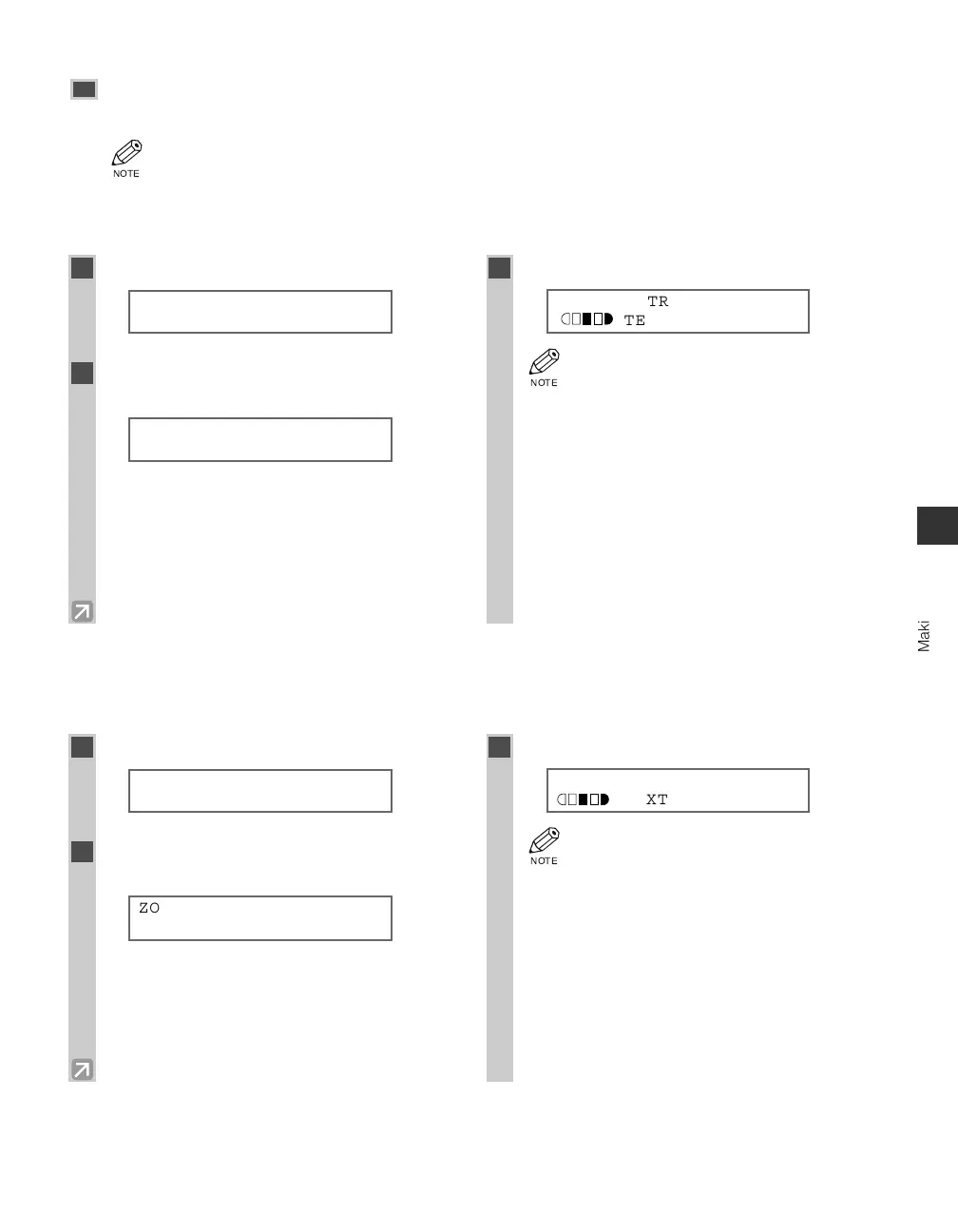
■ Enlarging/Reducing using preset copy ratios
■ Enlarging/Reducing using custom copy ratios
(only for the imageCLASS D780/D760 models)
Making Copies
4
1
Press Enlarge/Reduce.
Ex:
2
Use 4 (–) or e (+) to select the copy
ratio.
Ex:
• You can select from the following:
- 200% MAX.
- 129% STMT → LTR
- 100%
- 78% LGL → LTR
- 64% LTR → STMT
- 50% MIN.
3
Press Set.
Ex:
• If the PAPER SIZE GROUP of COPY
SETTINGS in the Additional Functions
is set to A or AB, the preset copy ratios will
be as follows:
A: 50%, 70%, 100%, 141% and 200%;
AB: 50%, 70%, 81%, 86%, 100%, 115%,
141% and 200%.
• Enlarging or reducing using preset copy
ratio is not available with the 2 on 1 copy
function.
• To reset the copy ratio, press
Enlarge/Reduce several times to display
DIRECT 100% ratio, then press Set.
78% LTR
TEXT
PRESET RATIO
- 78% LGL→LTR +
PRESET RATIO
- 100% +
01
1
Press Enlarge/Reduce twice.
Ex:
2
Use the numeric keys to enter the copy
ratio.
Ex:
• You can enter the copy ratio from 50% to 200%,
selectable in 1% increments.
• Even after entering the copy ratio, you can use 4
(–) or e (+) to adjust the copy ratio. To increase
the copy ratio, press e (+). To decrease the copy
ratio, press 4 (–).
3
Press Set.
Ex:
• Enlarging or reducing using custom copy
ratio is not available with the 2 on 1 copy
function.
• To reset the copy ratio, press
Enlarge/Reduce several times to display
DIRECT 100% ratio, then press Set.
80% LTR
TEXT
ZOOM 50-200%
- 80% +
ZOOM 50-200%
- 100% +
01
04 RG_Chap4.qxd 03.7.10 3:33 PM Page 4-5














 To Next Page