5-13
Maintenance
5
• Be sure to unplug the power cord before transporting the machine. If the machine is likely to be
subjected to vibration (e.g., when transporting over long distances), the following precautions should be
taken. If you do not follow these precautions, the machine may be damaged or the quality of your copy
images may be adversely affected.
Repacking and Transporting
1
Unplug the power cord.
2
If the machine is connected to a telephone
or PC, remove the telephone line or cable.
3
Lift the platen unit lever, slide the platen
unit and open the cartridge cover.
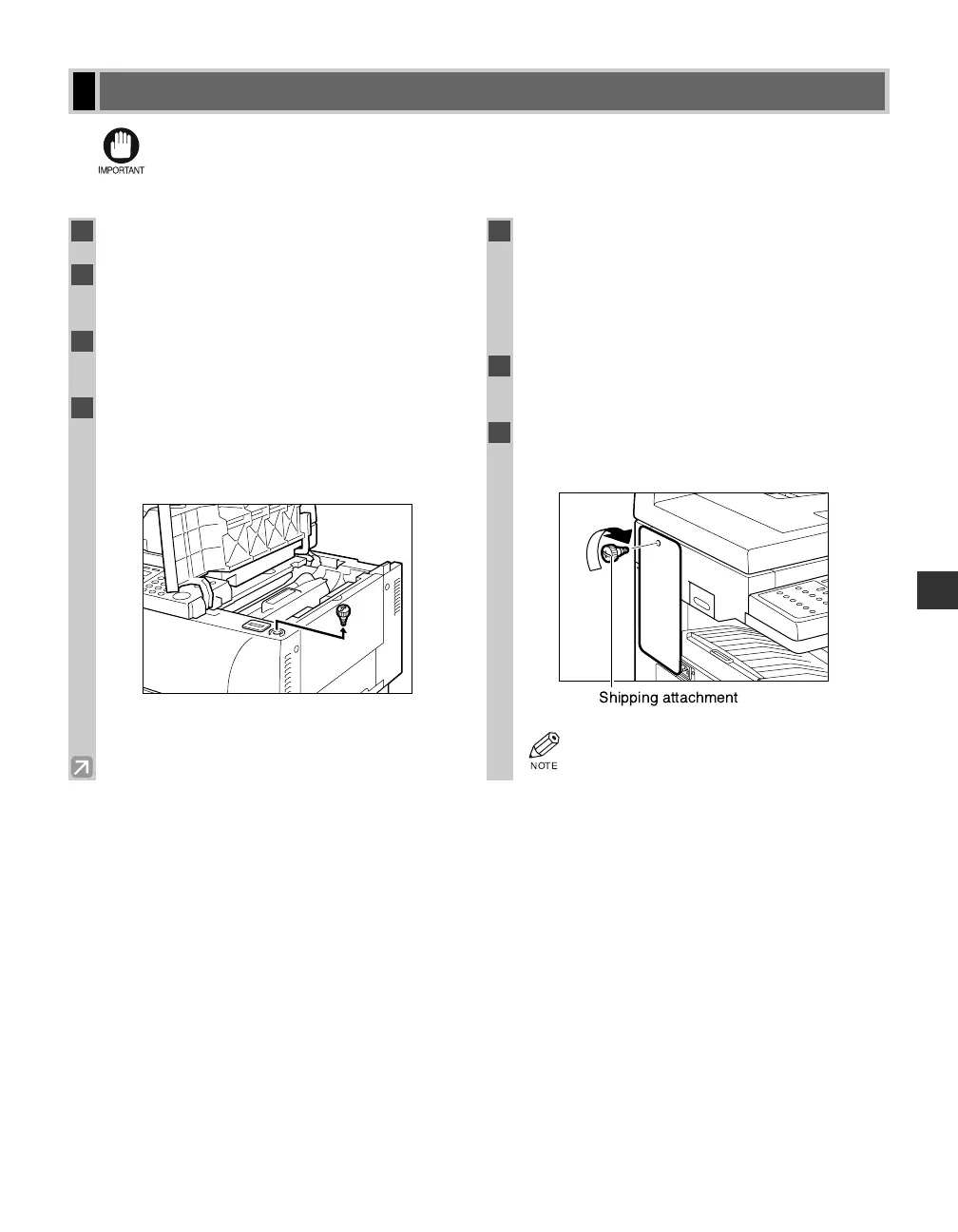
4
Pull out the shipping attachment you
inserted in the holder when installing the
machine. (The removed shipping
attachment is needed in step 7.)
5
Grip the end of the cartridge, and remove it
from the machine. In order to avoid direct
sunlight, put the removed cartridge in the
protective bag that the cartridge was in
when you purchased it.
6
Close the cartridge cover and slide the
platen unit to the original position.
7
Attach the shipping attachment on the left
side of the machine using a coin.
• Affix the label that was removed from the
machine during unpacking.
05 RG_Chap5.qxd 03.7.10 3:29 PM Page 5-13














 To Next Page