2-4
Closing the cassette
When closing the cassette, make sure to push it in completely as far as it will go. If copying is performed when
the cassette is not pushed in completely, it will cause a paper jam.
If copy paper is sticking out of the cassette
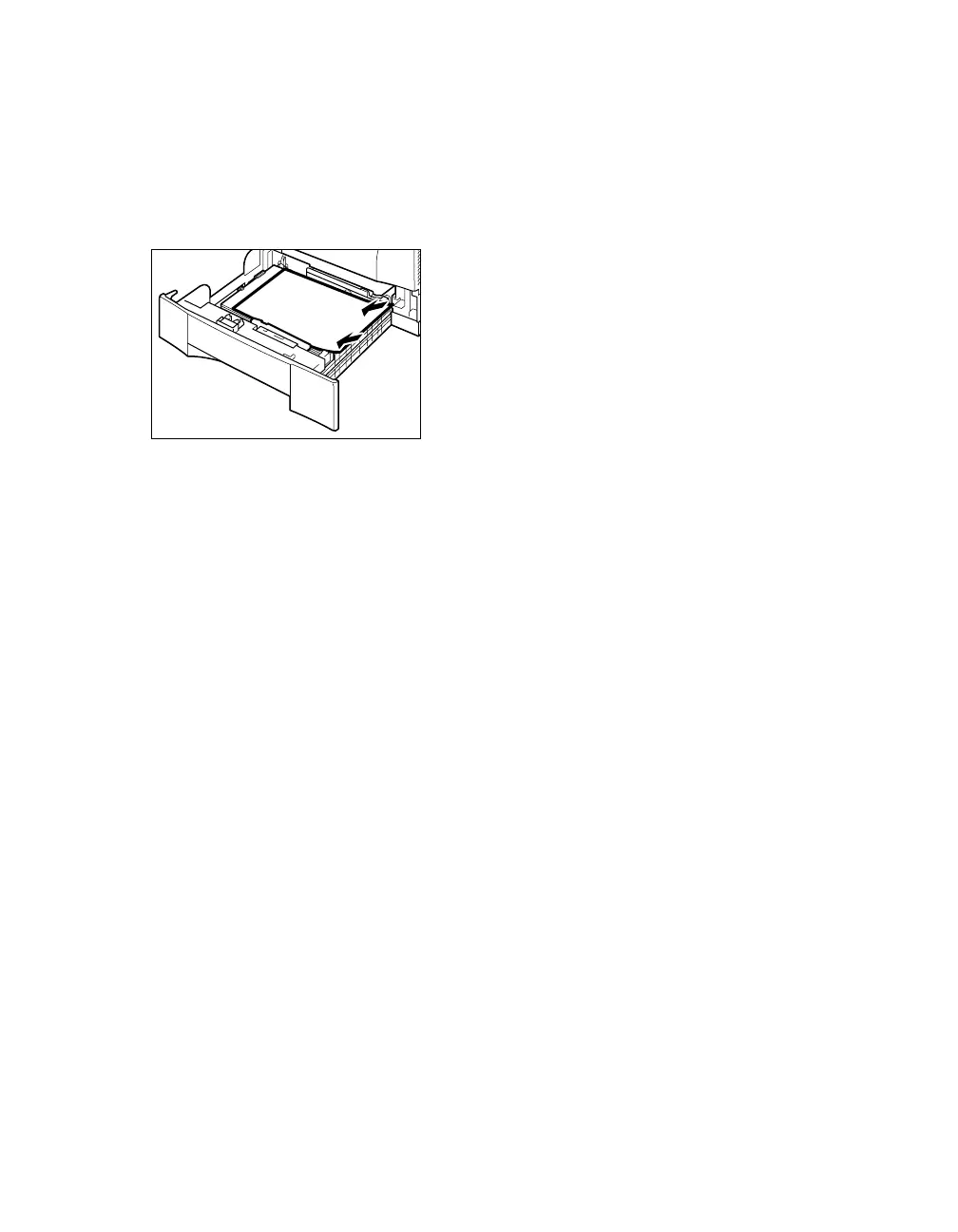
Sometimes, when you pull out the cassette, paper may stick out, as shown in the illustration below. Make sure
that the paper is neatly loaded into the cassette, before you push the cassette back into the main unit.
02 RG_Chap2.qxd 03.7.10 3:28 PM Page 2-4














 To Next Page