4-10
■ When Placing a Document on the Platen Glass
1
Press 2 on 1.
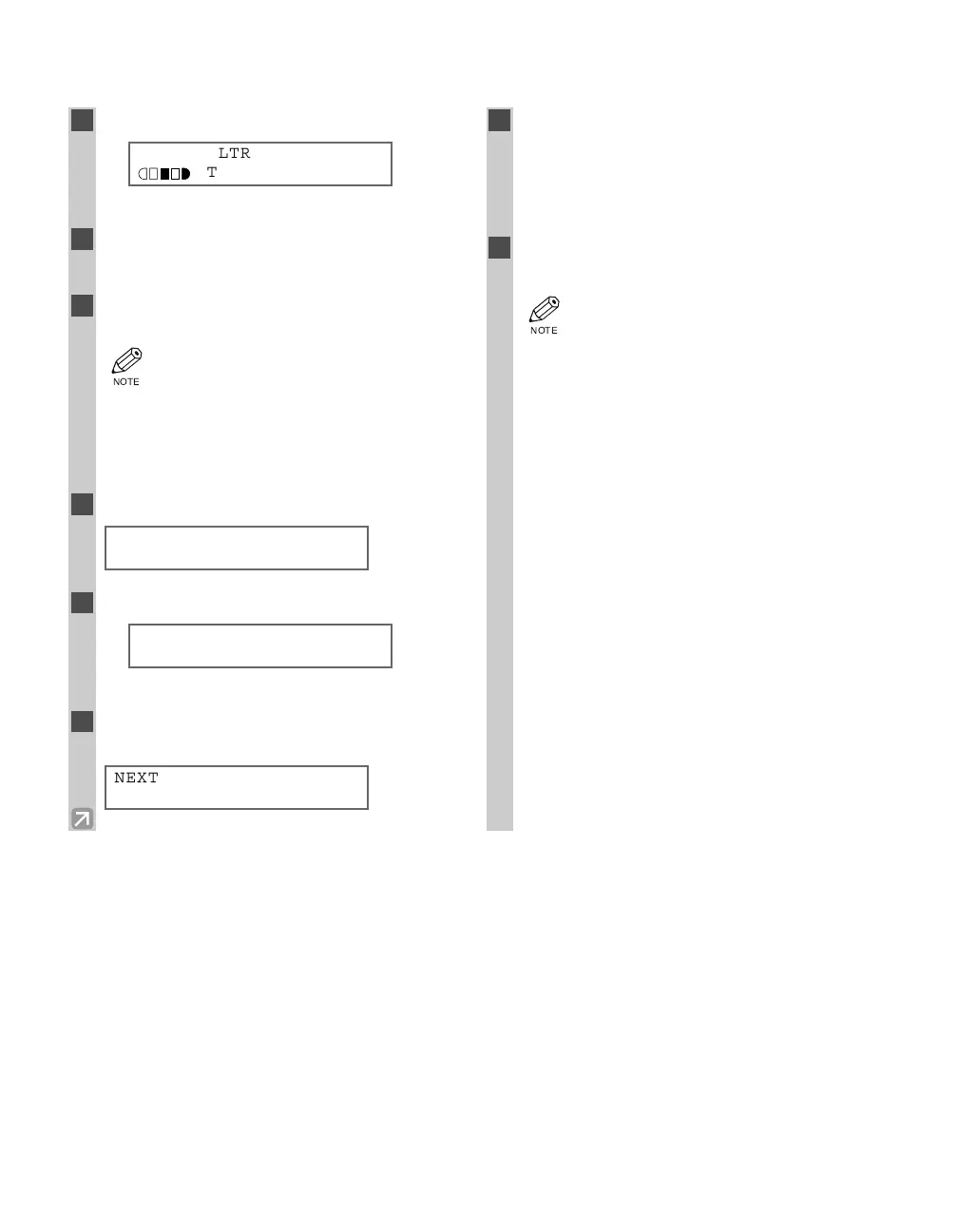
Ex:
• 2ON1 appears in the LCD.
2
Use the numeric keys to set the copy
quantity. (→ p. 4-3)
3
Place the last page of a document on the
platen glass.
• If a document is set from the first page, the
printing will be performed in reverse order.
• When the document has an odd number of
pages, first place a blank sheet of white
paper on the platen glass and then scan the
document.
4
Press Start.
5
Press Start.
Ex:
• The machine begins scanning.
6
Place the next page of the document on the
platen glass.
7
Press Start.
• After scanning every two sheets without setting
the collate function, the quantity of copies of the
document specified in step 2 will print out.
• Repeat steps 6 and 7 to scan all documents.
8
Press Set to finish the 2 on 1 copy
function.
• If the available memory decreases,
SCANNING, PLEASE WAIT and MAKING
SPACE IN MEM are displayed
alternatively. If memory space becomes
available, the scanning begins again
automatically.
• For D780, check if there are received faxes
or faxes to be sent in memory. If so, wait
for the machine to send and print any
faxes, or delete any documents in memory
before making a copy. If MEMORY FULL
appears although there is no fax in
memory, change copy exposure mode to
AUTO EXPOSURE, or change image quality
mode to TEXT before making a copy.
• If image quality mode is set to other than
TEXT when making a 2 on 1 copy of a
document which has many graphics or
photos, MEMORY FULL will appear and
copying will be canceled. If this happens,
change image quality mode to TEXT. Even
if you do so, MEMORY FULL may appear
depending on the document, and copying
may be canceled.
NEXT PAGE :[START]
FINISH SCAN :[SET]
SCANNING
COPY NO. 0015
SET FROM END OF DOC.
PRESS THE START KEY
NOTE
2ON1 LTR
TEXT
01
04 RG_Chap4.qxd 03.7.10 3:34 PM Page 4-10














 To Next Page