Chapter 6
6-18
6.3 Service Software
6.3.1 L Printer Service Tool
0031-2633
a) Function of L Printer Service Tool
This tool has the following function.
- Updating the firmware of printer
- Color check of multi sensor
- Displaying the printer information
Connection method with the computer:
USB, Network
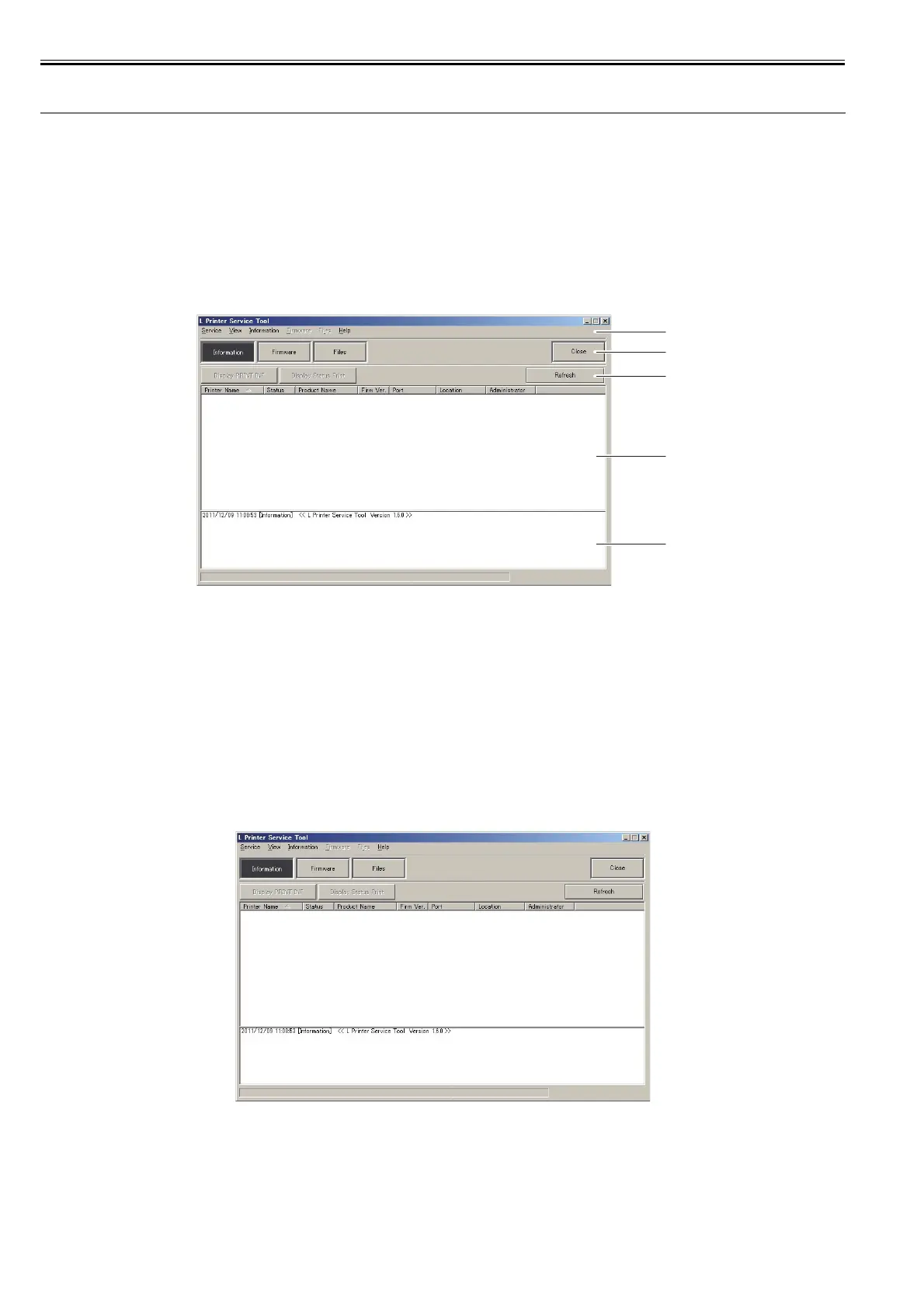
b) Screen description
F-6-1
[1] Main menu
Choose the menu to execute.
[2] Main menu button
Choose the menu to execute between the [Information] and the [Firmware] and the [Files].
[3] Sub menu button
The sub menu button is displayed according to the menu choosed by main menu or main menu button.
[4] Printer information area
The information of the printer connected with computer is shown according to the choosed menu.
[5] Message area
The message of executed menu is shown. And the message is saved as the text file when choosing the "[Service]-[Save Message]" of the main menu.
c) Operation
1) Showing the information of the printer
The data of PRINT INF or status print is shown.
(1) Choose the [Information] of the main menu button or the "[Service]-[Information]" of the main menu.
F-6-2
(2) Choose the printer from the list shown to the printer information area.
[1]
[2]
[3]
[4]
[5]














 To Next Page