Chapter 1
1-7
1.2.7 Hard Disk Drive
0017-8472
Each print job received from the host computer is saved to the hard disk drive(serial ATA connection) attached to the printer, so the printer can print the job repeat-
edly as needed, without having to wait for its retransmission from the host computer.
Saving print jobs will offer the following benefits:
- Eased computer workload
A print job may be automatically preserved to the hard disk when printing or may be preserved to the hard disk without printing. A print job preserved can be
printed in as many copies as needed without having to use the host computer.
- Reprinting after error occurrence
If the printer encounters errors, such as paper out, while printing a print job, it can resume the print operation as soon as the errors are cleared, without needing its
retransmission from the host computer.
- Higher print work efficiency
Print jobs can be printed selectively or in a specified number of copies without using a host computer. Multiple print jobs can be printed batched. Unattended print
operations in the nighttime are also possible.
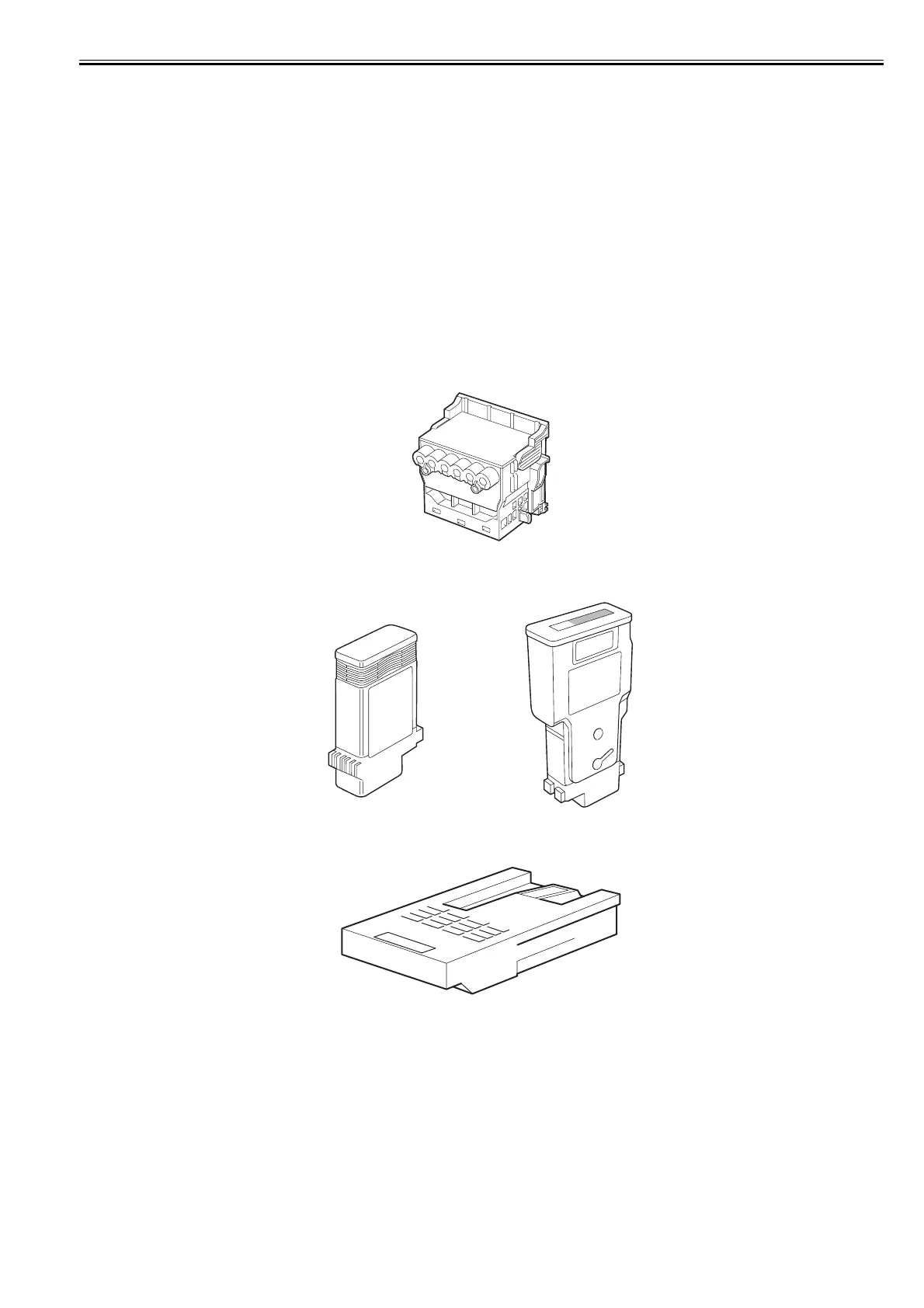
1.2.8 Consumables
0031-2480
Printhead
The consumable printhead is the same as that supplied with the printer.
F-1-19
Ink Tanks
The consumable ink tanks are available in five colors (matte black, black, cyan, magenta and yellow).
F-1-20
Maintenance Cartridge
The consumable maintenance cartridge is the same as that supplied with the printer.
F-1-21














 To Next Page