MP250 User Guide
23
Other Settings
Set Application
Settheapplication.
Set Factory Reset
Resetallsettingstodefault.
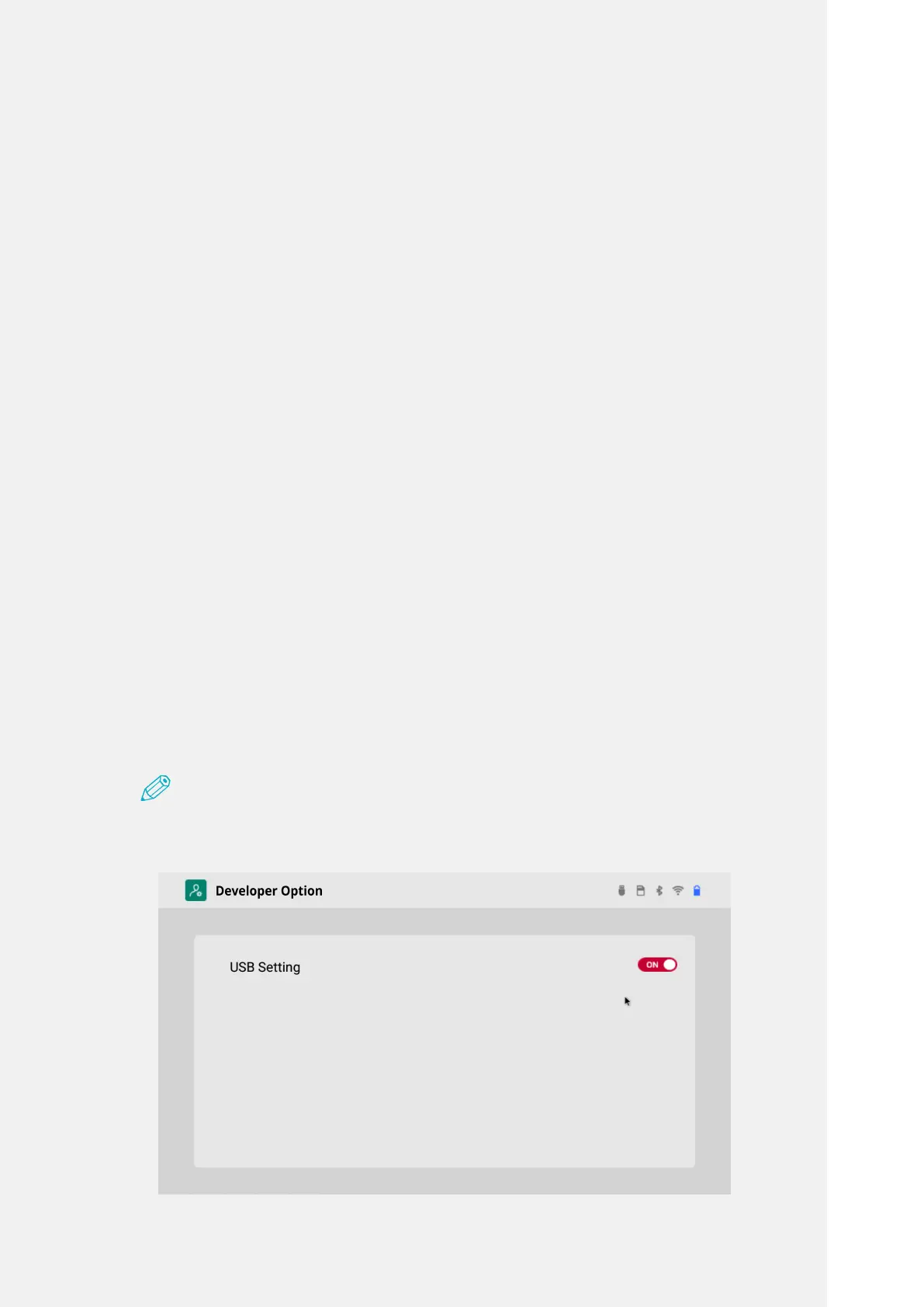
Developer Option
ThisisafeaturetoconnectPCandtheprojectorusingaUSBcable.
1.
Tap the 'Setting' icon on the Home screen and tap 'Other' on the Settings
window.
2.
Tap 'Developer Option' on the Other Settings window.
3.
Enable 'USB Settings' with ON on the Developer Option window to connect
PC and the projector.
Note
•WhenyouconnectPCandtheprojectorwithUSB,useUSBAtoAcable(sold
separately).



 To Next Page