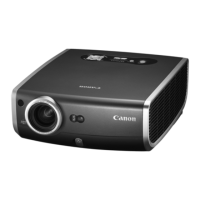
MP250 User Guide
24
Projection Settings
Projection Mode
Youcanrotatetheimage.(Auto/Manual)
Keystone Compensation
Youcancompensatekeystoneontopandbottom.(Auto/Manual)
Brightness
Canbeadjustedtoamaximumof50%incaseofbatteryandamaximum100%
whenyouuseapoweradapter.
Thesettingswillberesetwhenyoushutdownthedevice.
Color Temperature Compensation
Youcancompensatethecolortemperatureoftheprojectionscreentostandard/
coldcolors/warmcolors.
Audio Settings
Adjusttheaudiovolume.
Date and Time Settings
Setthemethodfordisplayingthedateandtimeoftheprojector.



 To Next Page