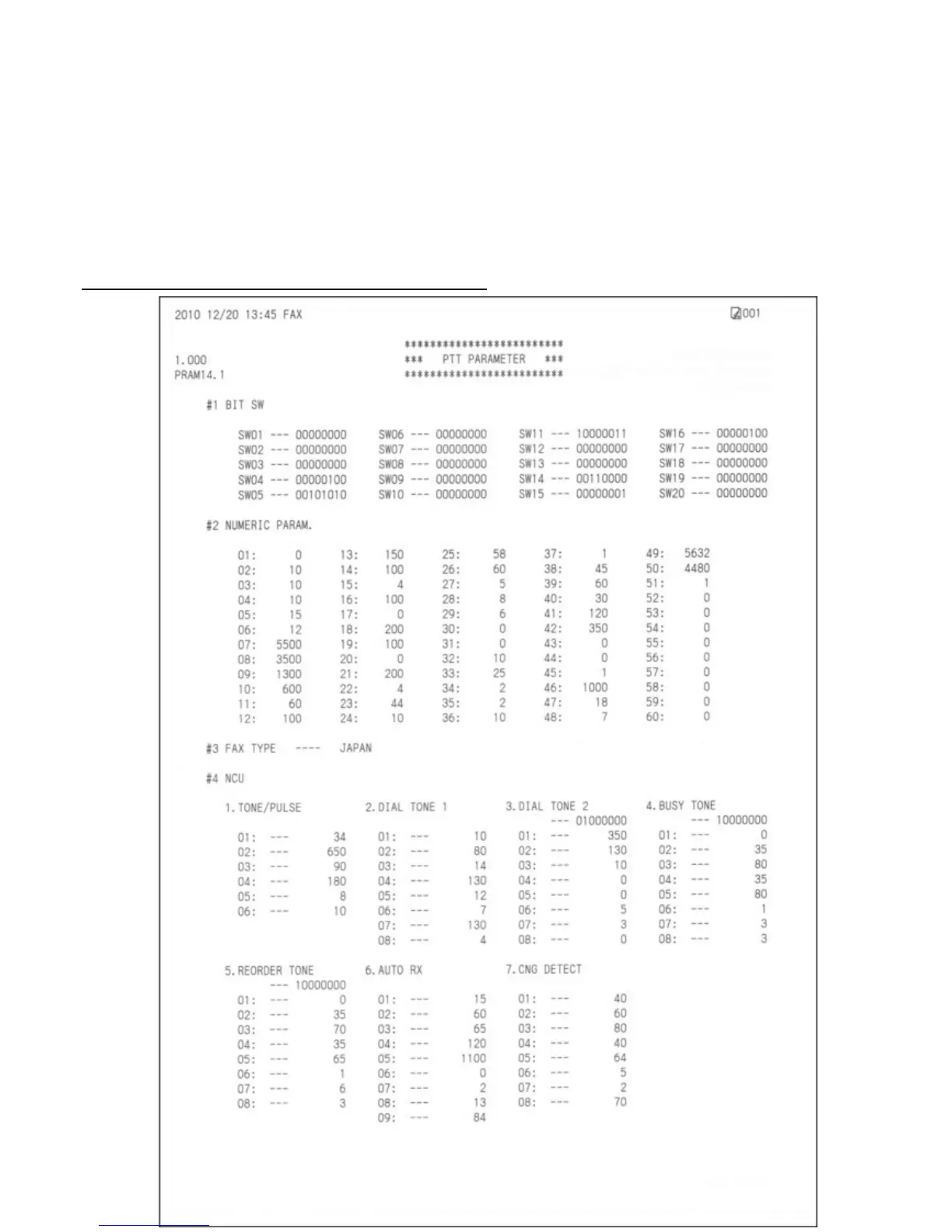
<Confirmation of the setting values>
Print and confirm the PTT parameter setting values in the following procedures:
1) In the user mode, press the SCAN button, then press #, 9, 7, 6, 8, #.
2) The PTT parameter mode values are printed.
For the definition and description of each bit of the SW#, refer to the "G3 Facsimile Service Data Service
Handbook."
English: QY8-13BC-010
Japanese: QY8-12B6-020
PTT parameter print sample for the MX883 Japan model:



 To Next Page