(3) Carriage unit replacement
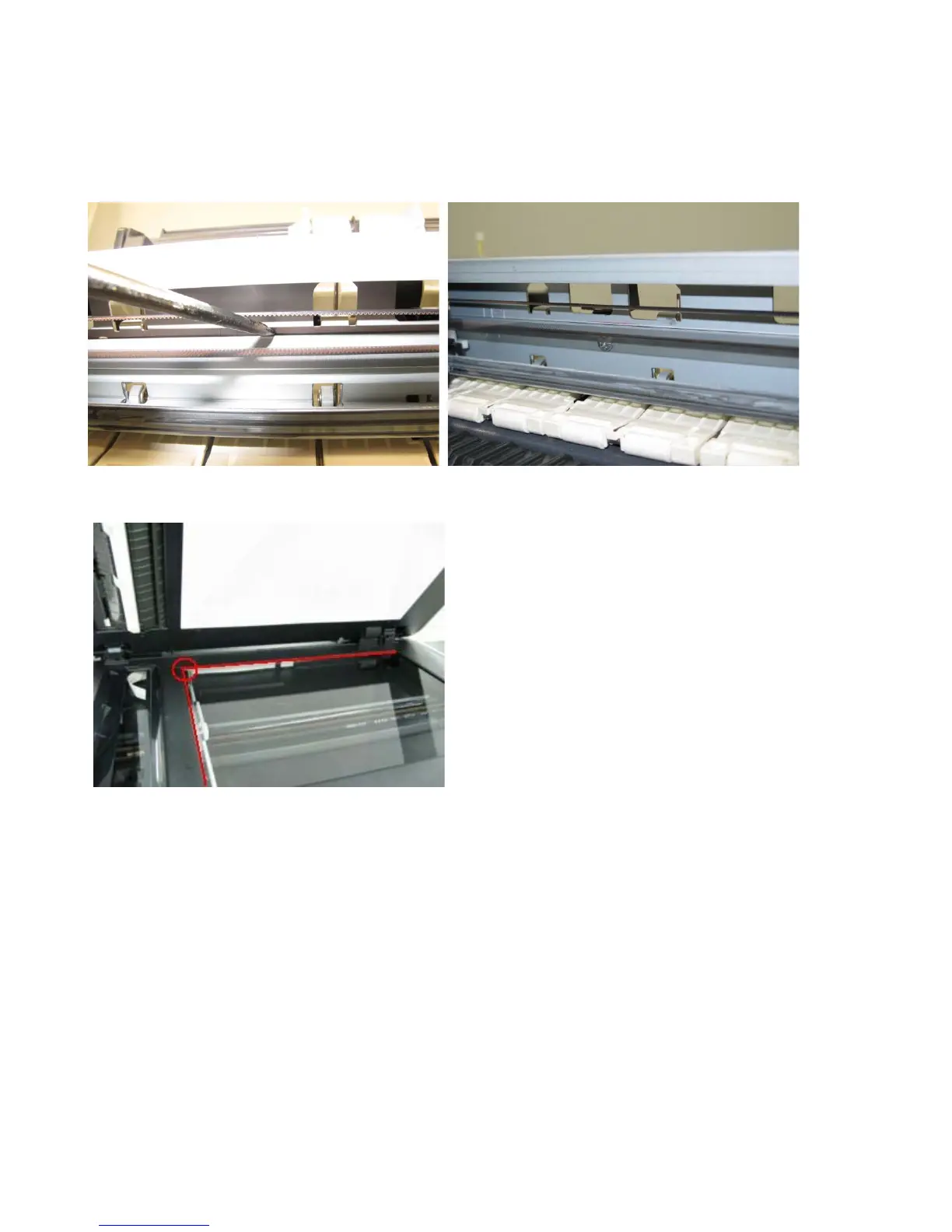
In the MX880 series, the carriage rail needs to be removed from the main chassis.
Before removing the screws from the carriage rail, put a mark on the main chassis to indicate the carriage rail
position.
After replacing the carriage, return the carriage rail to the original position while aligning the rail to the mark on
the chassis.
(4) Document pressure sheet (sponge sheet) replacement
1) Peel off the cover sheet from the double-sided adhesive tape on the back of the document pressure sheet.
With the long-side down, position the upper-left corner of the document pressure sheet at the scanning
reference point on the platen glass (back left where the red lines cross in the photo above).
2) Slowly close the document pressure plate, while maintaining the hinge position. The document pressure sheet
will attach to the plate frame.
3) Open the plate to confirm the following:
- No extension of the sponge edges over the mold part of the upper scanner cover.
- No gap between the platen glass reference edges and the corresponding sponge edges.
- No shades or streaks in monochrome test printing without a document on the platen glass.



 To Next Page