CARD
CAMERA.
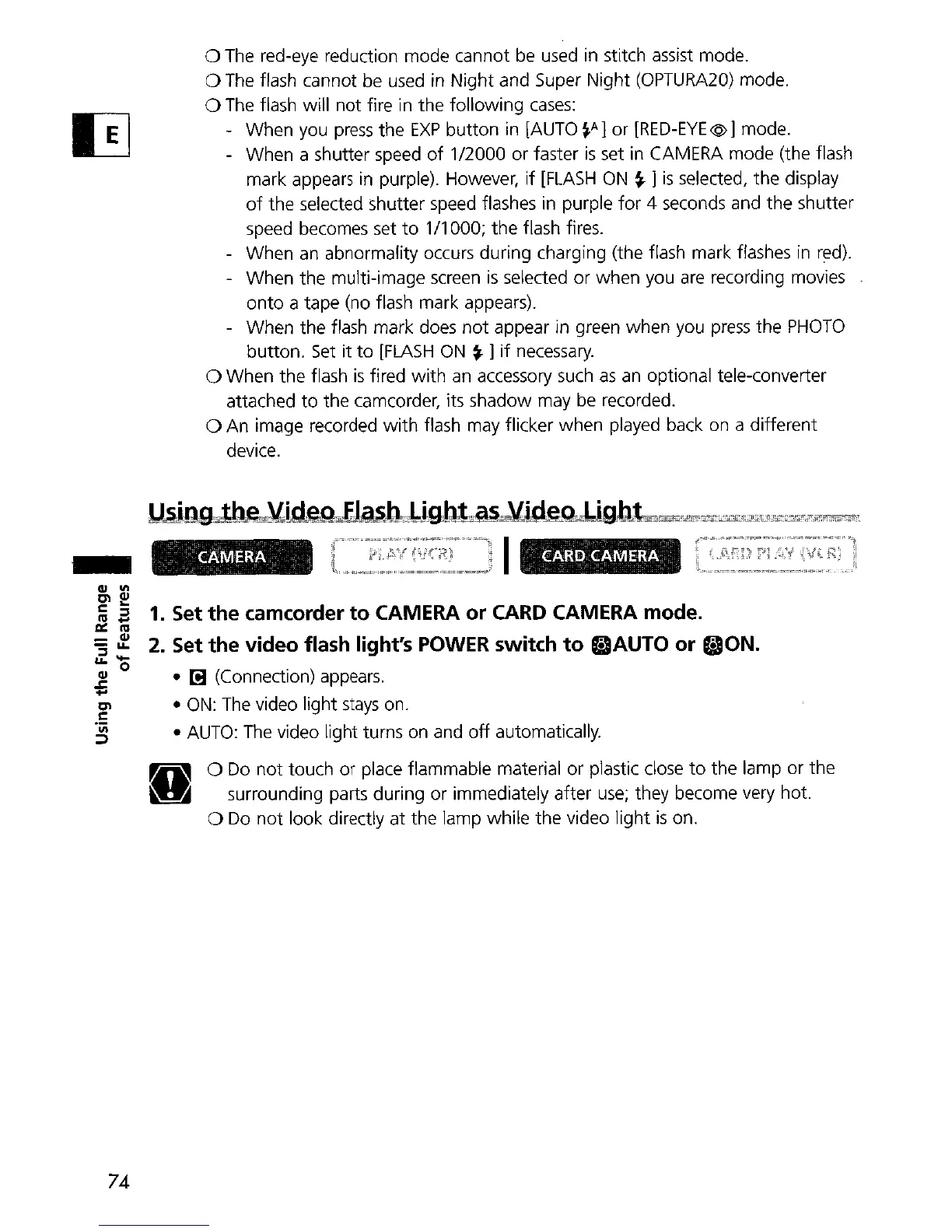
a The red-eye reduction mode cannot
be
used
in
stitch assist mode.
a
The
flash cannot be used in Night and Super Night
(OPTURA20)
mode.
a
The
flash will
not
fire in the following
cases:
- When you
press
the
EXP
button in [AUTO
~A]
or [RED-EYE@] mode.
- When a shutter speed
of
1/2000 or faster
is
set in CAMERA mode (the flash
mark appears in purple). However,
if
[FLASH
ON
~
]
is
selected, the display
of
the selected 5hutter speed flashes in purple
for
4 seconds and the shutter
speed becomes set
to
1/1000; the flash fi
res.
- When
an
abnormality occurs during charging (the flash mark flashes
in
red).
- When the multi-image
screen
is
selected
or
when you
are
recording movies
onto a tape (no flash mark appears).
- When the flash mark
does
not
appear in green when you
press
the
PHOTO
button.
Set
it
to
[FLASH
ON
~
]
if
necessary.
a When
the
flash
is
fired
with
an
accessory
such
as
an
optional tele-converter
attached
to
the camcorder, its shadow may
be
recorded.
a An image recorded
with
flash may flicker when played back on a different
device.
CA.MERA
1J~lDQJ1;u:"2)LiJ1e~~J;)J49.J;lL~~Qiifu~gJltr~~~c;;J;ir~4L'ik"lU*"="'"~"i'm!'l;;;'~
l
I
-
1.
Set
the
camcorder
to
CAMERA
or
CARD
CAMERA
mode.
2. Set the video flash light's
POWER
switch
to
SAUTO
or
«:JON.
•
r!J
(Connection) appears.
•
ON:
The
video light
stays
on.
•
AUTO:
The
video light turns on and
off
automatically.
a
Do
not
touch
or
place flammable material or plastic close
to
the lamp or the
surrounding parts during or immediately after
use;
they become very hot.
a
Do
not
look directly at the lamp while the video light
is
on.
74


 To Next Page