•
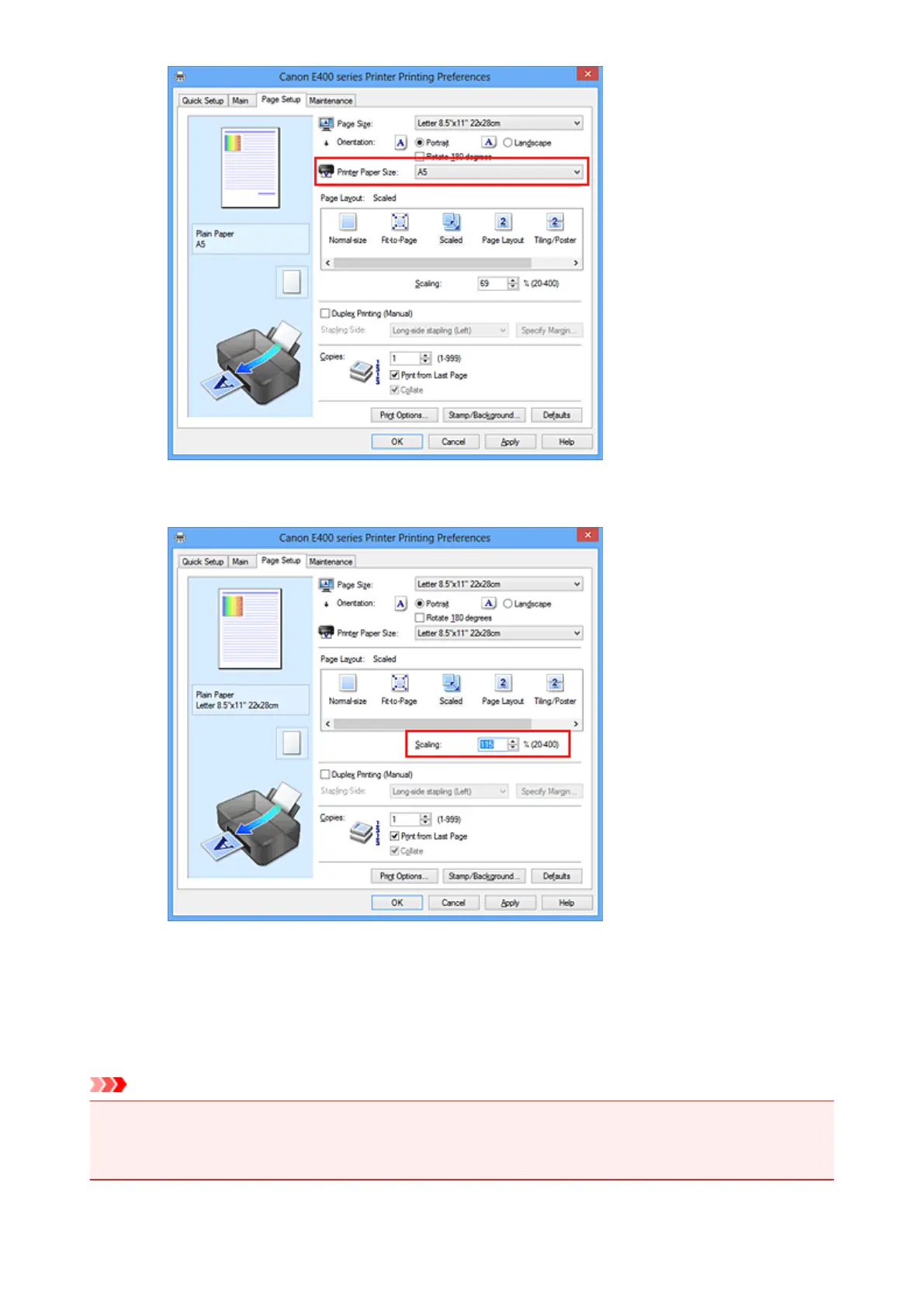
Specify a scaling factor
Directly type in a value into the Scaling box.
The current settings are displayed in the settings preview on the left side of the printer driver.
5. Complete the setup
Click OK.
When you execute print, the document will be printed with the specified scale.
Important
• When the application software which you used to create the original has the scaled printing function,
configure the settings on your application software. You do not need to configure the same setting in
the printer driver.
147












 To Next Page