In Other Cases
Make sure of the following:
Check1
Are there any foreign objects around the paper output slot?
Check2
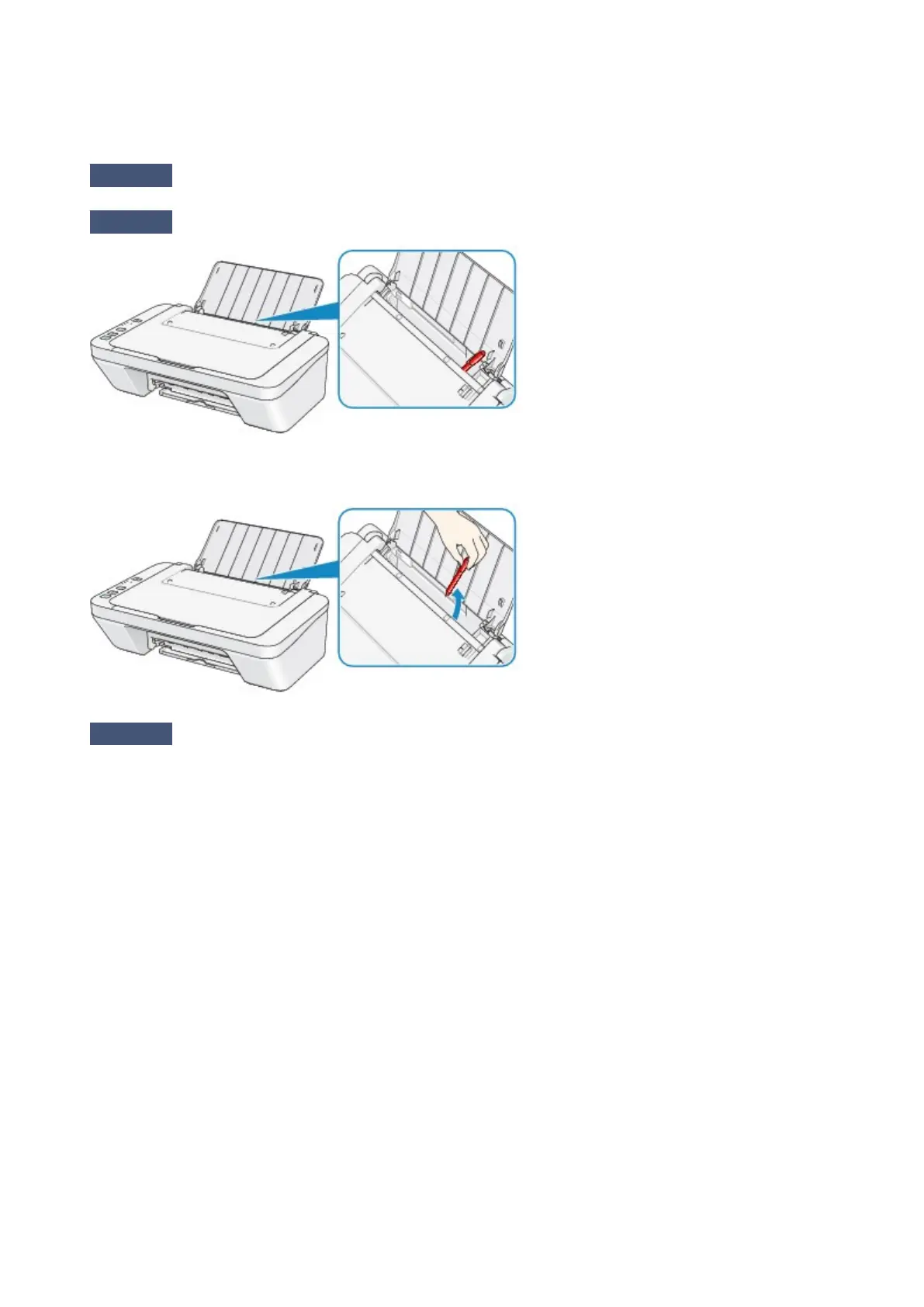
Are there any foreign objects in the rear tray?
If there are any foreign objects in the rear tray, be sure to turn off the machine, unplug it from the power supply,
then remove the foreign object.
Check3
Is the paper curled?
Load the paper after correcting its curl.
511












 To Next Page