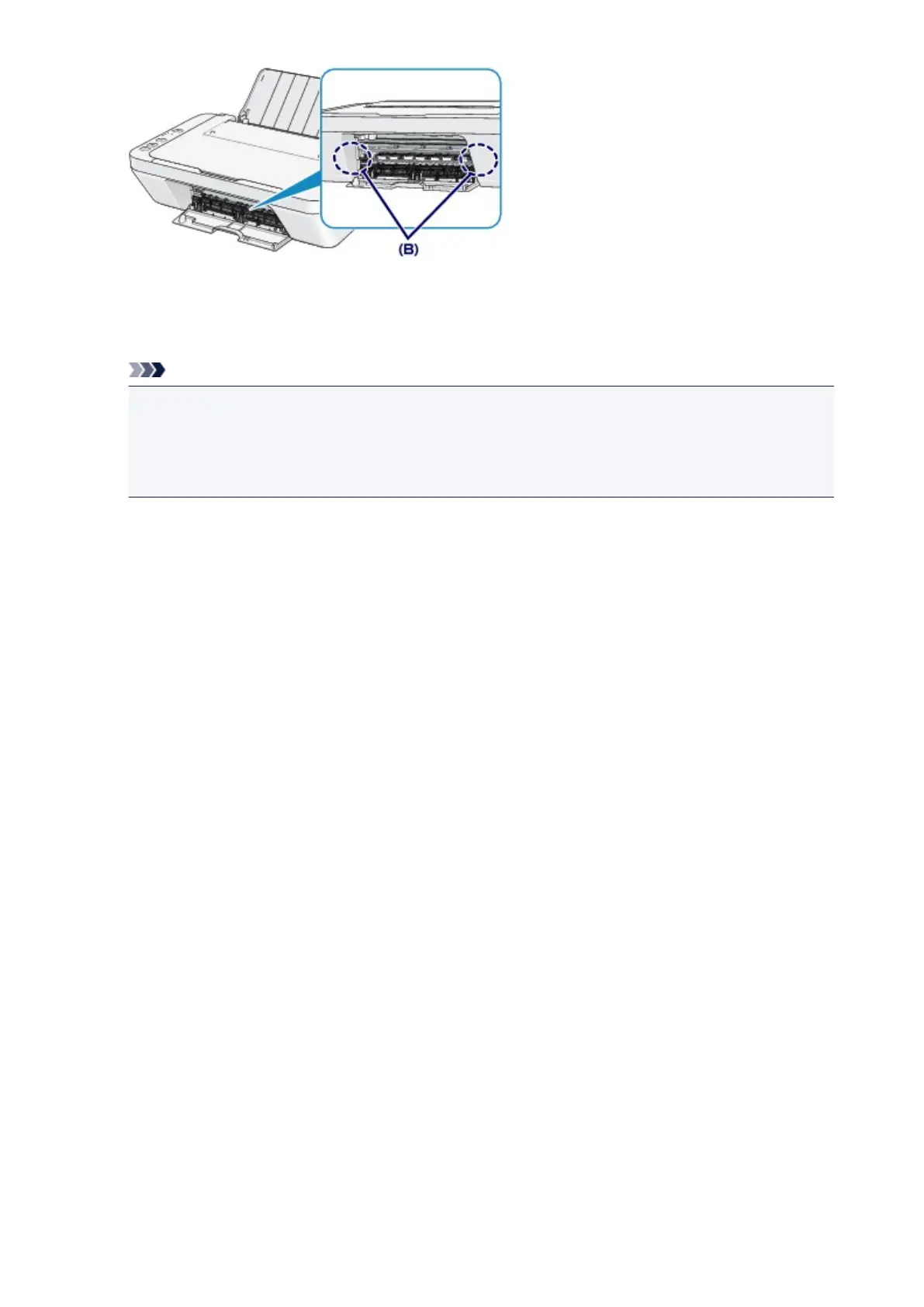
7.
Close the cover.
All print jobs in the queue are canceled. Reprint if necessary.
Note
•
When reloading the paper, confirm that you are using the paper suited for printing and are loading
it correctly. If the message about paper jam is displayed on the computer screen when you
resume printing after removing all the jammed paper, a piece of paper may remain inside the
machine. In this case, confirm that no piece of paper remains inside the machine.
If you cannot remove the paper or the paper tears inside the machine, or if the paper jam error continues
after removing the paper, contact the service center.
510












 To Next Page