Scanning with Favorite Settings
You can scan items placed on the platen with your favorite settings saved beforehand.
This is convenient for saving frequently used settings or when specifying scan settings in
detail.
1. Start IJ Scan Utility.
2. Click Settings..., select the Settings (Custom Scan) dialog box, then
set the select source, resolution, etc.
When setting is completed, click OK.
Note
Once the settings are made, you can scan with the same settings from the next
time.
3. Place the item on the platen.
Placing Items (When Scanning from a Computer)
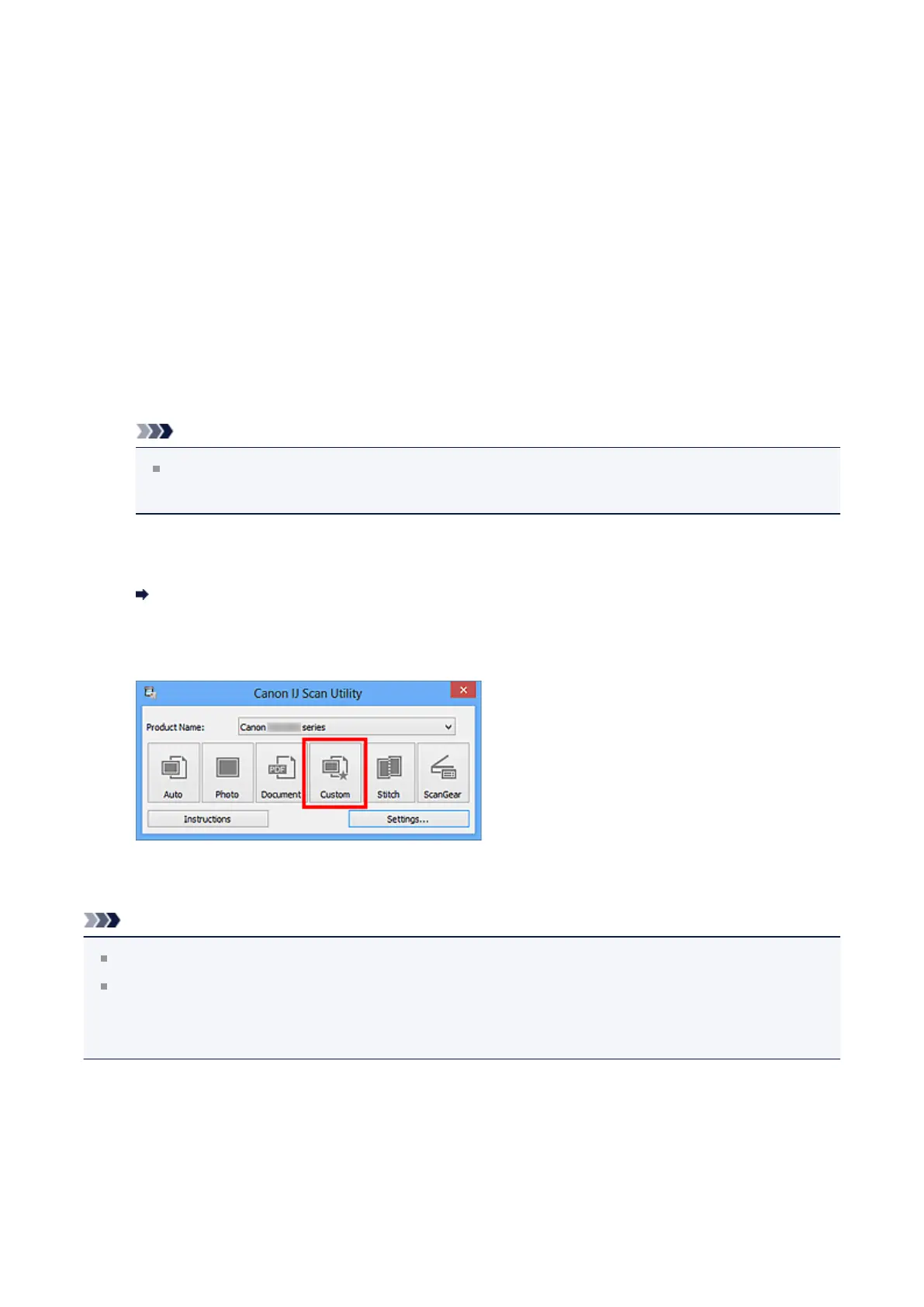
4. Click Custom.
Scanning starts.
Note
Click Cancel to cancel the scan.
Scanned images are saved in the folder set for Save in in the Settings (Custom
Scan) dialog box displayed by clicking Settings.... In the Settings (Custom Scan)
dialog box, you can also make advanced scan settings.
281












 To Next Page